
Deciding whether to Buy vs Rent UnlockTool comes down to simple bench math: how many days per month do you actually plug locked phones into UnlockTool? On GSM24h.com, official cloud licenses cost $16.80 (3 months), $25.20 (6 months), or $41.60 (12 months) via the UnlockTool License catalog, whereas automated hourly rentals start at just $0.30 with instant ~2-second delivery. All servicing workflows must be used strictly on owner-authorized devices.
Table of Contents
What are the real USD prices for buying vs renting UnlockTool?
Buying an official UnlockTool license locks in 3, 6, or 12 months of continuous single-account access priced at $16.80, $25.20, and $41.60 on GSM24h. Renting instead starts from $0.30 for short repair windows with zero upfront capital lock-in and identical full software features across all 20 supported brands.
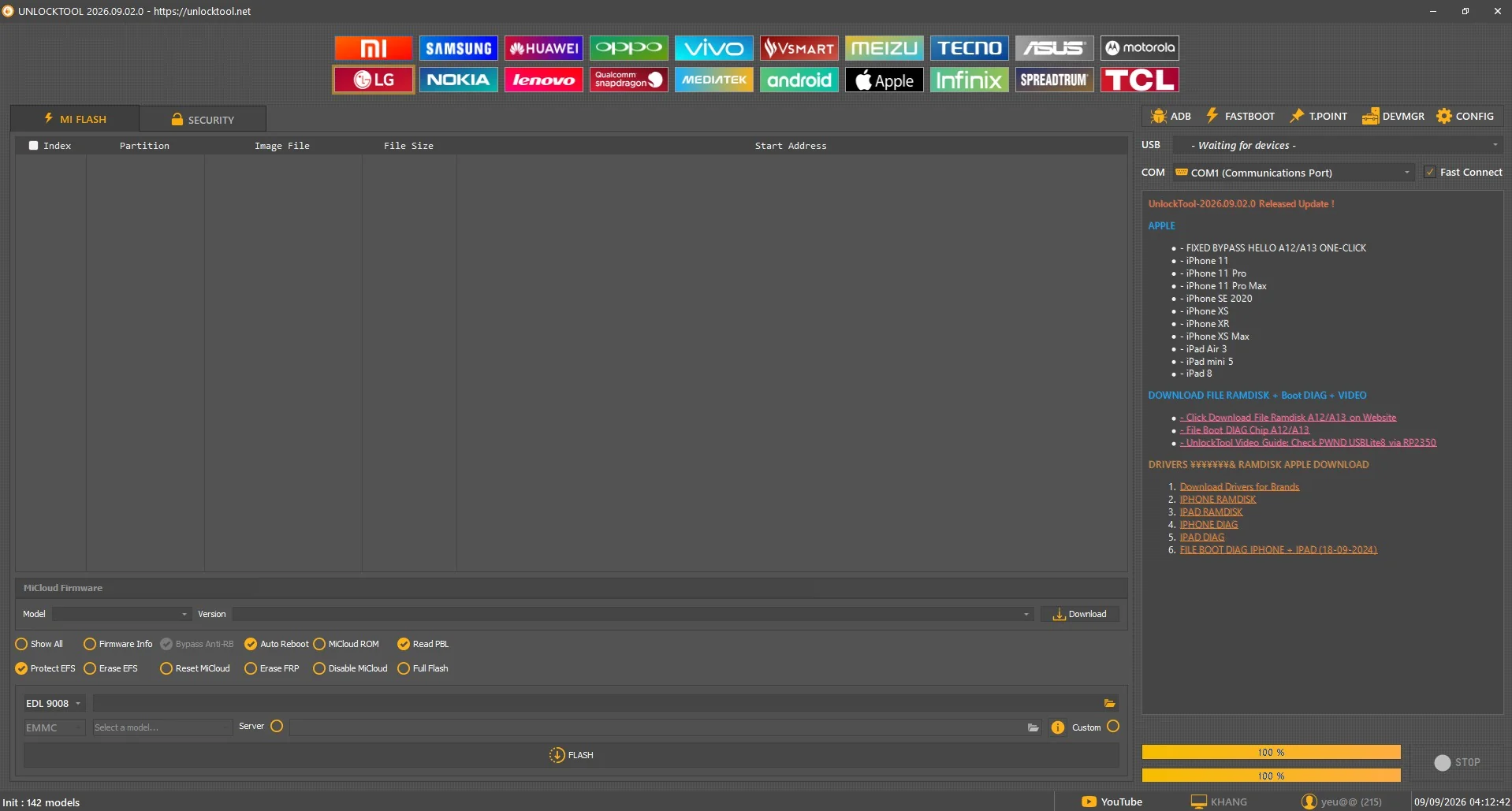
Both rented and owned UnlockTool accounts unlock the exact same desktop client across Samsung, Xiaomi, OPPO, Vivo, and Apple modules.
Official 3-Month, 6-Month & 12-Month License Tiers
Every official UnlockTool activation binds to your personal UnlockTool username with no physical smartcard dongle required. Live USD license rates on GSM24h GSM Unlock Services break down cleanly by duration:
| Official UnlockTool License | Live GSM24h USD Price | Effective Monthly Cost | Best For |
|---|---|---|---|
| UnlockTool 03 Months NEW / RENEW | $16.80 | ~$5.60 / month | Seasonal spikes or testing full-time ownership |
| UnlockTool 06 Months NEW / RENEW | $25.20 | ~$4.20 / month | Growing repair counters servicing daily FRP |
| UnlockTool 12 Months NEW / RENEW | $41.60 | ~$3.47 / month | Established high-volume shops running daily jobs |
Automated Hourly & Daily Rental Plans on GSM24h
If your shop only opens UnlockTool a few times per month — or if you are an individual owner unlocking a single family phone — hourly rental removes idle subscription waste completely. Order confirmation takes ~2 seconds with no pre-registration or mandatory wallet deposit:
| Package | Current price | Original price | Save |
|---|---|---|---|
| 6 hours | $0.30 | $0.35 | 14% |
| 12 hours | $0.42 | $0.49 | 14% |
| 1 day | $0.95 | $1.00 | 5% |
| 2 days | $1.20 | $1.30 | 8% |
| 3 days | $1.60 | $1.70 | 6% |
| 5 days | $2.00 | $2.10 | 5% |
| 7 days | $3.40 | $3.50 | 3% |
| 14 days | $3.90 | $4.00 | 3% |
| 30 days | $7.40 | — | — |
Updated November 2026 — listed price before coupon
Feature Parity Check: Technicians sometimes worry that rented UnlockTool credentials carry restricted features compared to owned licenses. In reality, rented accounts run the exact same official Windows client — including Samsung Android 16 FRP, Xiaomi HyperOS BROM/EDL resets, and Apple Ramdisk modules — as long as your drivers from Samsung Developer and Google Platform-Tools are pre-installed.
Where is the exact break-even point between renting and buying?
Comparing GSM24h's live entry rental price against official license tiers makes the break-even math transparent. Because a 3-month license costs $16.80 and a 12-month license costs $41.60, renting remains cheaper whenever your monthly UnlockTool rental spend stays below roughly $3.50 to $5.60 per month.
| Monthly Usage Pattern | Renting Strategy | Buying Strategy | Smarter Financial Choice |
|---|---|---|---|
| 1–2 repair days / month | Rent short shift from $0.30 | $3.47–$5.60/mo wasted idle days | Rent on demand |
| 3–5 repair days / month | ~$1.50–$3.00 / month | $3.47/mo (12m) or $5.60/mo (3m) | Rent on demand |
| 10–15 repair days / month | ~$4.00–$8.00+ / month | $3.47/mo (12-month license) | Buy 6m or 12m license |
| Daily shop (20+ days / month) | Frequent checkouts & higher monthly cost | $41.60/yr flat, zero re-login friction | Buy 12-month license |
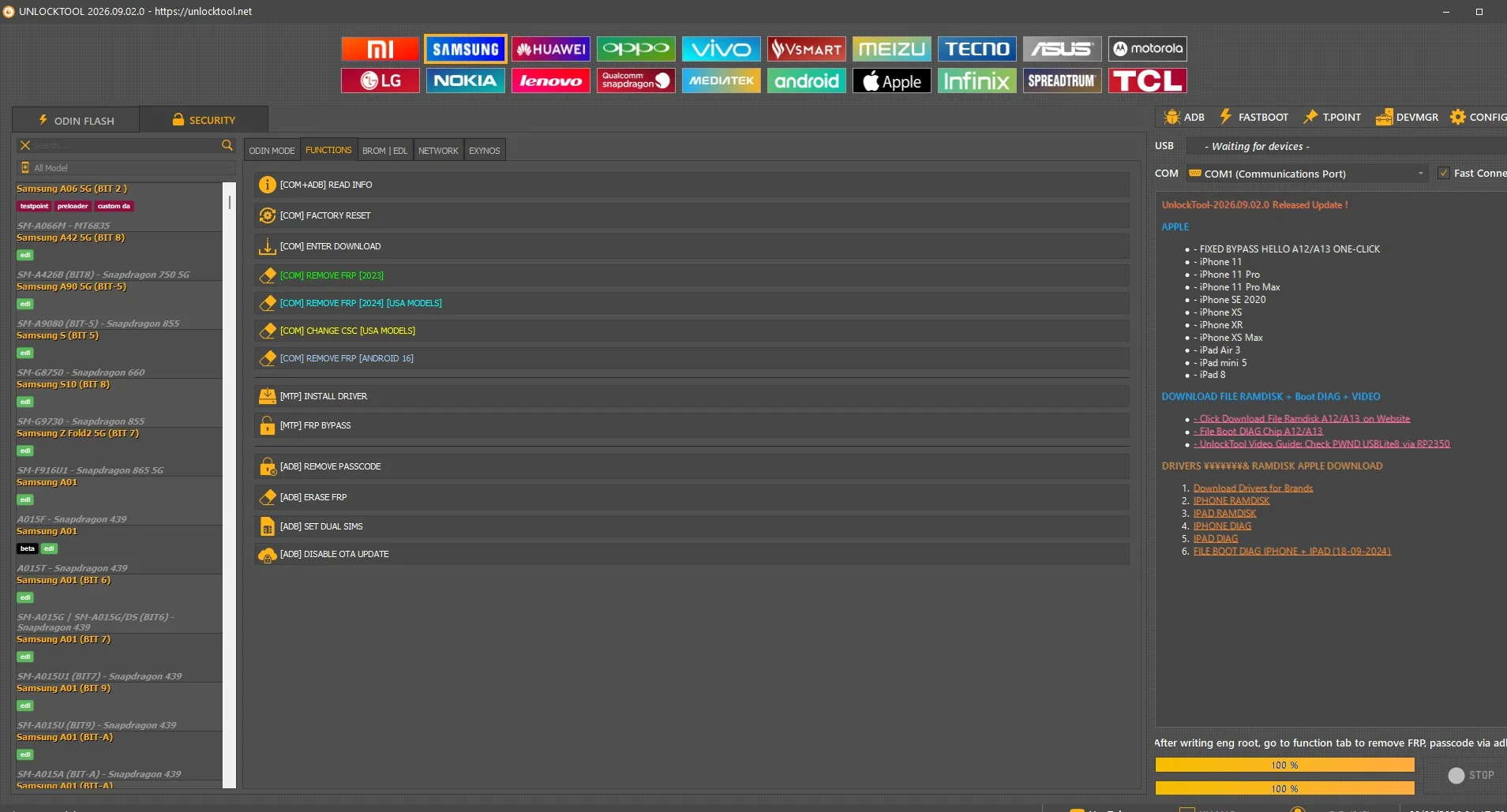
UnlockTool Samsung Functions tab: batching 2–3 FRP tickets into one short rental window maximizes cost savings.
Which option fits your repair shop workload?
Beyond raw dollar totals, workflow friction and multi-tool variety also influence whether renting or buying serves your bench better. Match your exact situation to the five real-world profiles below before checking out.
- Individual / Occasional User (1–3 phones per year): Renting from $0.30 is a clear winner — paying pennies instead of $16.80+.
- Part-Time Technician (3–6 tickets per month): Renting 6-hour or 12-hour windows lets you queue devices and keep overhead near zero while saving cash for specialized tools like DFT Pro or Samsung Tool CellTool.
- Multi-Tool General Shop: Even busy shops often buy UnlockTool 12 Months ($41.60) as their daily driver while renting expensive niche tools like Chimera Tool ($25.96) or Z3X Samsung Tool PRO ($4.50) only when needed.
- Dedicated FRP / High-Volume Counter: Buying the 12-month license eliminates checkout interruptions during rush hours and binds cleanly to your primary bench PC.
- Apple A12+ Heavy Shop: Remember UnlockTool excels on A7–A11 checkm8 Ramdisk (Ramdisk guide); for A12+ Hello or Passcode tickets you will still use per-SN services on /bypass-icloud and /hfz-ramdisk regardless of license ownership.
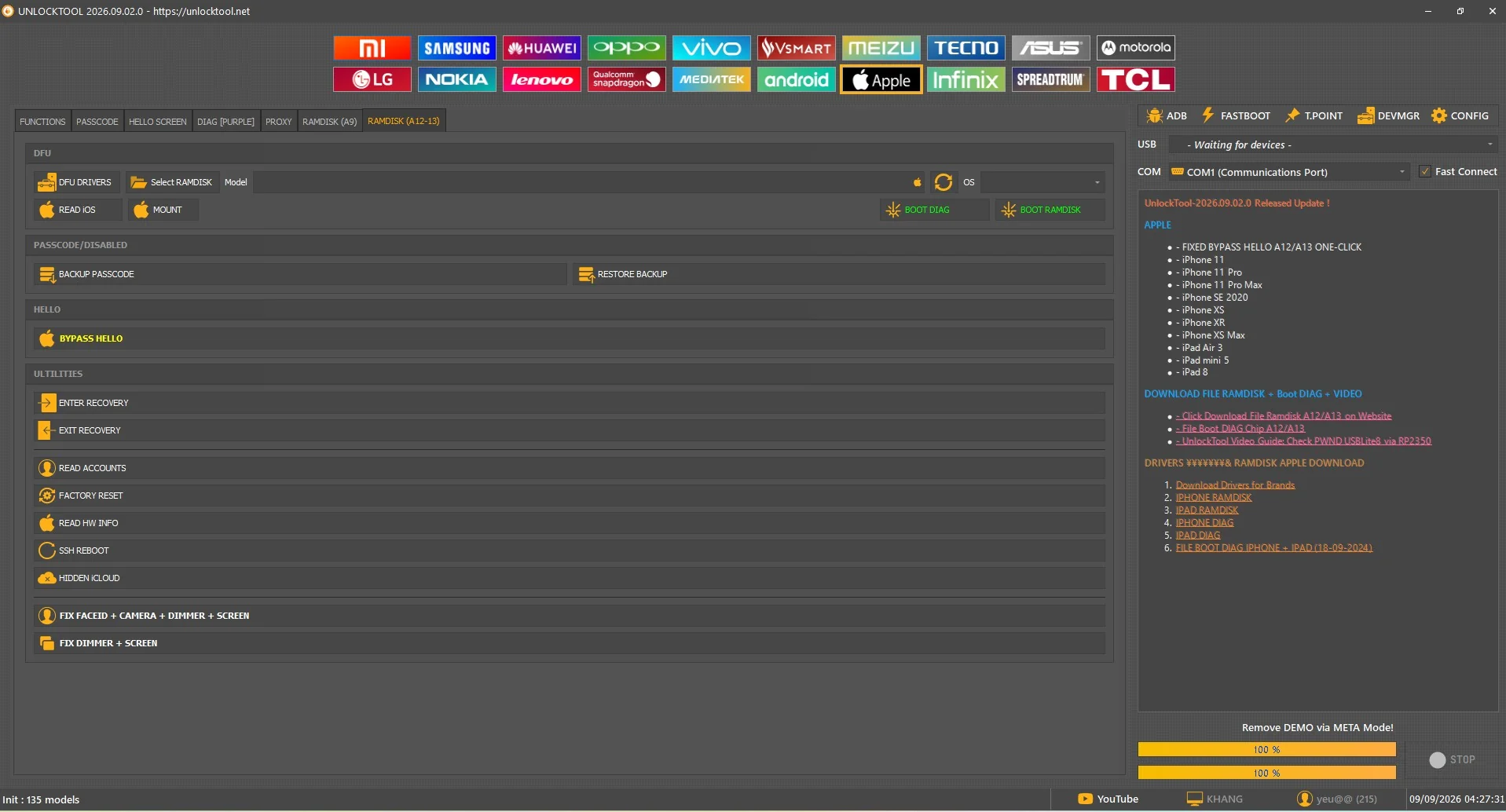
UnlockTool Apple Ramdisk tab — ideal to test via short rental first before committing to a long-term license.
Should you rent UnlockTool first before buying a license?
Yes — renting a short UnlockTool session before purchasing a 3-month, 6-month, or 12-month license is the lowest-risk way to validate your Windows USB drivers, cable stability, and real monthly ticket volume. You spend less than a dollar verifying everything runs smoothly before investing in a multi-month key.
Check our complete UnlockTool download & setup guide and complete GSM USB drivers guide before your first session, and remember to verify whether DFT Pro vs UnlockTool or TSM Tool vs UnlockTool fits your local customer mix even better.
HWID PC-Switch Caution (Owned vs Rented): Official UnlockTool accounts enforce a hardware ID (HWID) cooldown whenever you switch computers. If you work across multiple benches or travel with a laptop, short rentals avoid waiting out personal HWID cooldowns between machines; if you have one fixed shop desktop, an owned 6-month or 12-month license stays logged in effortlessly.
Frequently Asked Questions
How much does an official UnlockTool license cost on GSM24h.com?
Live license prices on GSM24h (/gsm-unlock-services?q=unlocktool) are $16.80 for 3 months, $25.20 for 6 months, and $41.60 for 12 months (both new activations and renewals).
How cheap is renting UnlockTool hourly compared to buying?
Automated hourly UnlockTool rentals on /rent-unlocktool start from $0.30, delivered in ~2 seconds after payment confirmation with no registration required.
Does a rented UnlockTool account have all the same features as a purchased license?
Yes. Rented accounts run the exact same official UnlockTool desktop software with full access to Samsung, Xiaomi, OPPO, Vivo, MediaTek, Qualcomm, and Apple Ramdisk modules.
When does buying a 12-month UnlockTool license become cheaper than renting?
At $41.60/year (~$3.47/month), owning a 12-month license becomes more economical once you use UnlockTool regularly across 10+ repair days every month.
Can I rent UnlockTool first and buy a license later?
Yes. Many technicians start by renting 6-hour or 12-hour slots on /rent-unlocktool to confirm driver stability and customer demand, then purchase a 6-month or 12-month license on /gsm-unlock-services?q=unlocktool once volume grows.
What happens if a rented UnlockTool account encounters a login error?
Under GSM24h support guarantee, if an assigned rental credential has a verified technical fault on our side, we promptly replace the account or refund the order.
Start With an Instant Rental or Grab Your Official License
Rent UnlockTool automatically from $0.30 — or activate a 3m/6m/12m official license directly on GSM24h.com.
Rent UnlockTool Now →
Written by: Trần Kế Khang
5 years of in-depth mobile & laptop hardware repair experience; founder of thuetaikhoan.com.vn, unlocktool.us, dienthoailaptop.vn, and gsm24h.com. Facebook · Profile & articles · About us

No comments yet. Be the first to share your thoughts!