
UnlockTool is an all-in-one Windows GSM utility trusted by mobile repair technicians for Google FRP removal, Apple bypass workflows, firmware flashing, and chipset-level device servicing. UnlockTool supports Samsung, Xiaomi, OPPO, Vivo, Huawei, and selected Apple workflows inside a single client.
Purchasing a 3-, 6-, or 12-month license can be costly when you only repair a few handsets each week. Renting an active pass on GSM24h.com starts from $0.30 without account pre-registration or wallet top-ups—the system confirms payment in roughly 2 seconds and shows credentials immediately.
📑 Table of Contents
- 1. What Is UnlockTool?
- 2. What Is New in UnlockTool v2026.09.02.0?
- 3. Which Features & Chipsets Does UnlockTool Support?
- 4. Supported Brands & Platform Capabilities
- 5. Official Download, Defender Exception & Setup
- 6. How Much Does UnlockTool Cost & How Does Rental Work?
- 7. How Does UnlockTool Compare to DFT Pro, EFT Pro & Chimera?
- 8. Common Errors and Quick Fixes
- 9. Frequently Asked Questions
🔧 Verified Operational Snapshot (By Trần Kế Khang):
Our platform maintains a pool of around 150 UnlockTool rental accounts. Among active renters, roughly 90% choose the 6-hour slot and 8% select 12 hours, with web checkout confirming payment in roughly 2 seconds and replacing faulty logins or refunding eligible failed orders.
🔑 Ready to run UnlockTool on your workbench?
Rent by the hour from $0.30 with instant automated login credentials, or check official server activation options:
1. What Is UnlockTool?
UnlockTool is a dedicated Windows desktop servicing tool engineered for FRP bypass, Apple iCloud/Ramdisk workflows, stock firmware flashing, and IMEI/baseband repair. It communicates with smartphones at a low hardware level through Qualcomm EDL (9008), MediaTek BROM / Preloader, Samsung Odin / Download Mode, Exynos EUB, and Spreadtrum / Unisoc Diag.
Officially distributed on a 3-, 6-, or 12-month subscription model, UnlockTool is significantly more affordable for occasional repair jobs when rented in flexible 6-hour to 30-day passes via GSM24h.com.
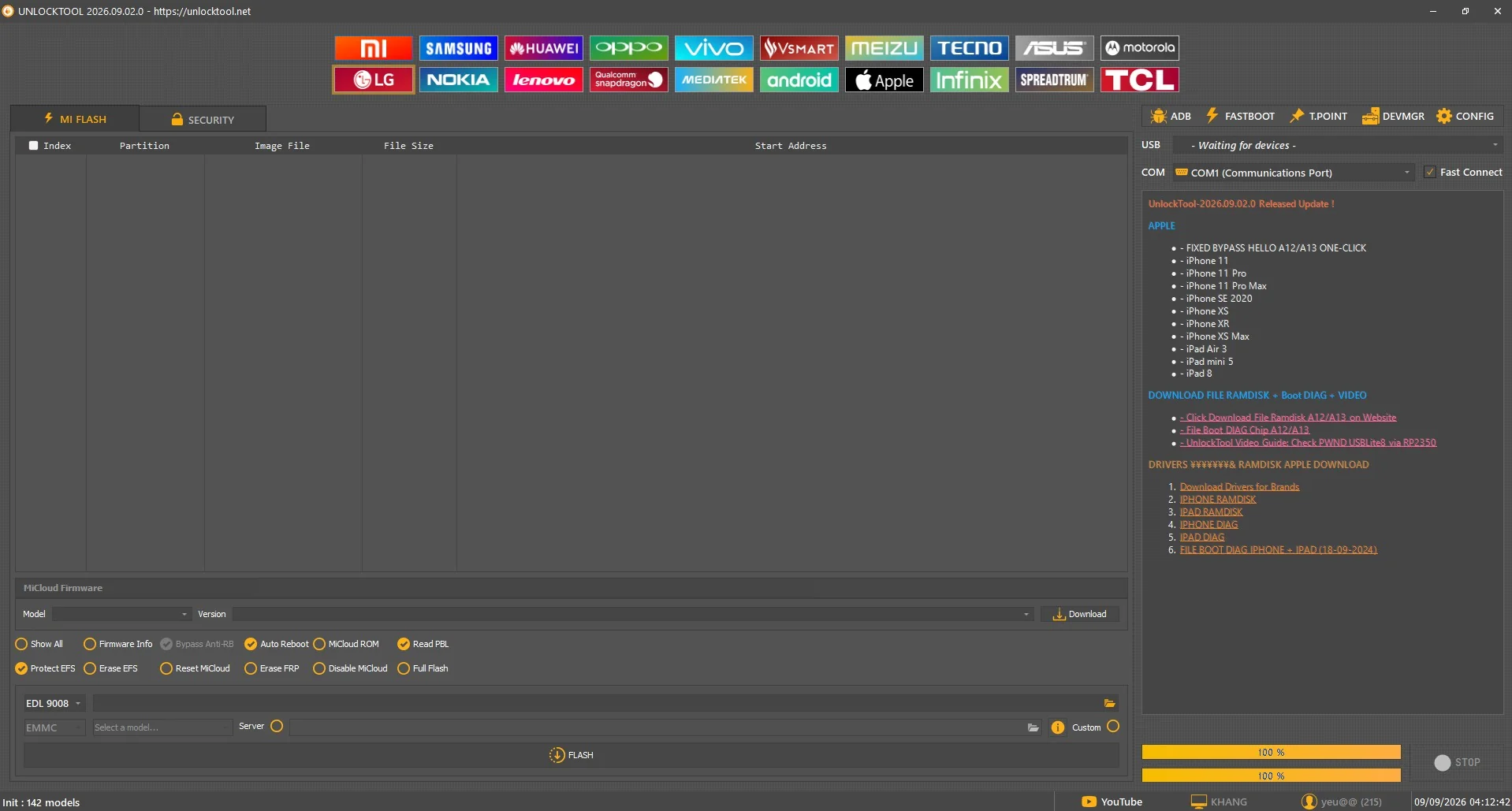
2. What Is New in UnlockTool v2026.09.02.0?
📌 Verified Build: UnlockTool v2026.09.02.0 (released September 2, 2026; bench-verified September 9, 2026).
Building on the August expansion for Apple silicon, release v2026.09.02.0 specifically resolved bugs affecting one-click Bypass Hello on A12 and A13 devices—including iPhone 11 / 11 Pro / 11 Pro Max, XS / XR / XS Max, SE 2020, iPad Air 3, iPad mini 5, and iPad 8th Gen. See our iCloud unlock overview alongside Apple's Activation Lock documentation for supported workflows and hardware restrictions.
3. Which Features & Chipsets Does UnlockTool Support?
UnlockTool groups operations into clear chipset tabs and brand modules so technicians can execute multi-brand repairs inside a single client.
| Feature | Technical Scope | Primary Supported Brands |
|---|---|---|
| FRP Removal | Bypass Google Account verification via ADB, Preloader, EDL, or EUB | Samsung, Xiaomi, OPPO, Vivo, Huawei |
| Apple Bypass | Checkm8 Ramdisk (A7–A11) & one-click Hello bypass (A12/A13) | iPhone and iPad (chipset-dependent) |
| Firmware Flash | Write official factory ROMs and unbrick boot loops | Multi-brand Android models |
| IMEI Repair | Restore lost original IMEI / NVRAM / QCN after corrupted flashes | MediaTek, Qualcomm, Exynos |
| Knox Guard / MDM | Enterprise device-management bypass workflows | Samsung (model/patch dependent) |
| Bootloader | Unlock and relock bootloader states on supported models | Xiaomi, Huawei |
⚖️ Lawful Servicing Notice: FRP removal, account reset, and IMEI restoration features must only be used on legally owned devices or with documented customer authorization. Exact compatibility varies by model variant, BIT version, firmware, and security patch level.
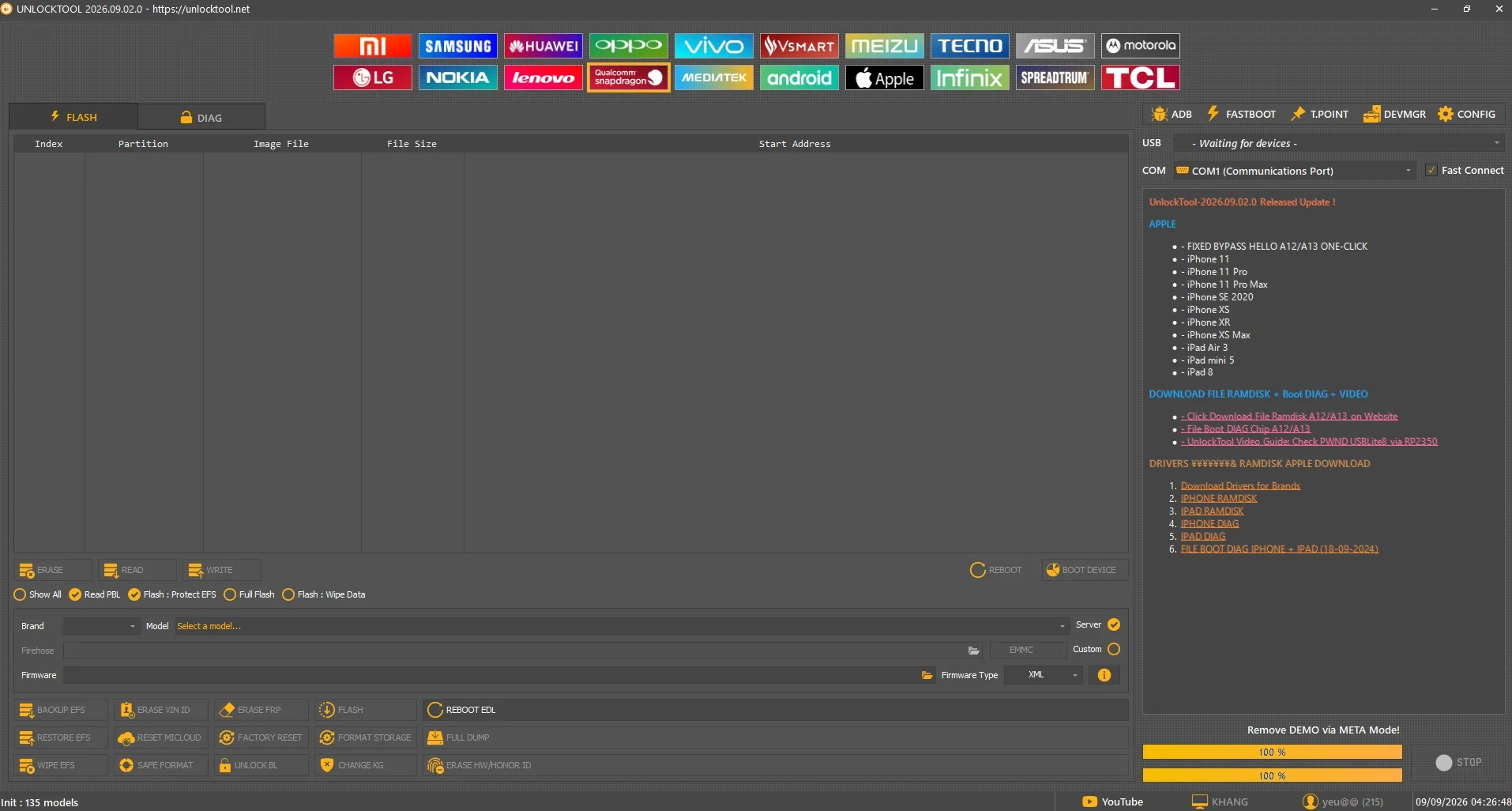
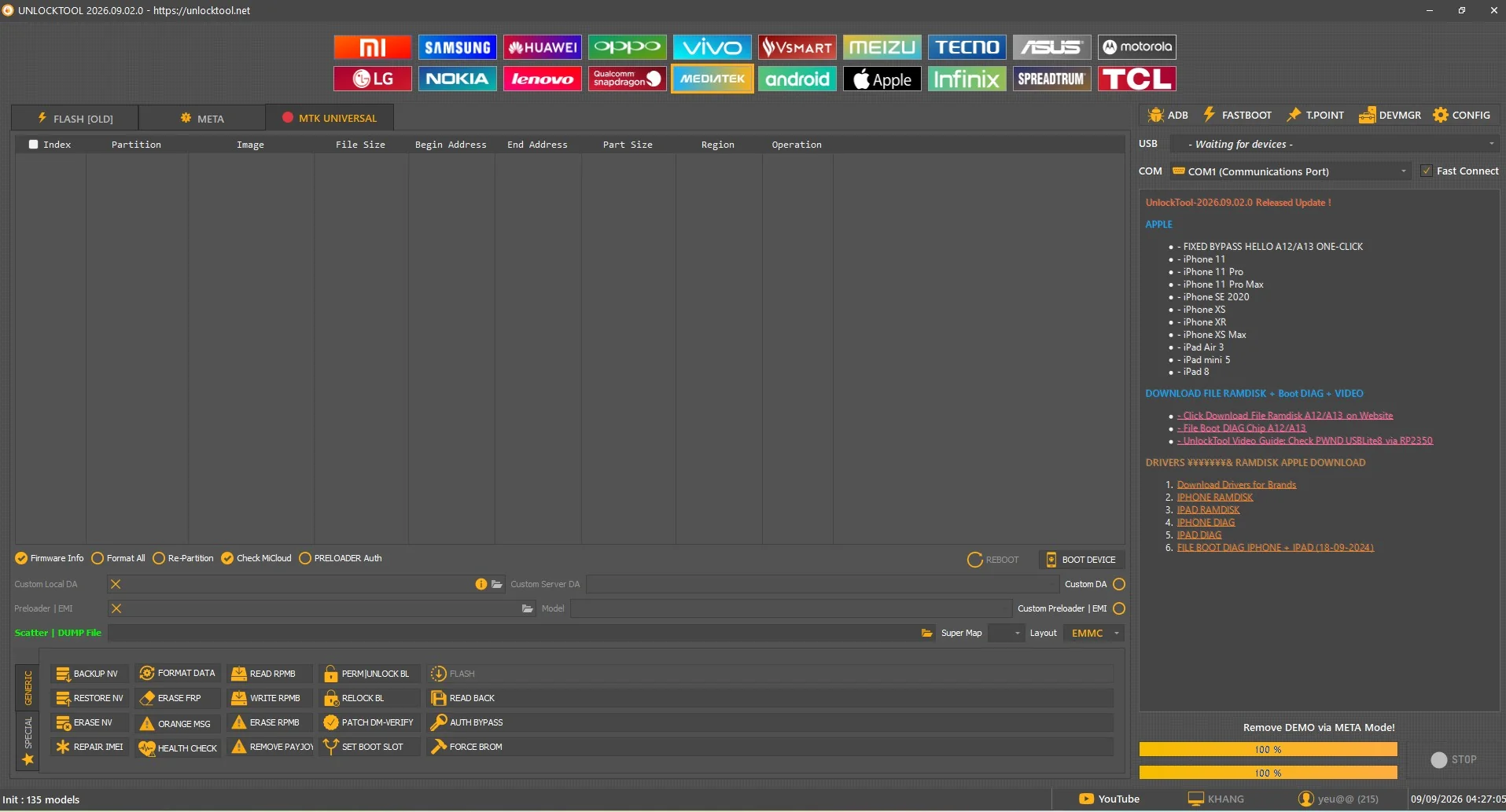
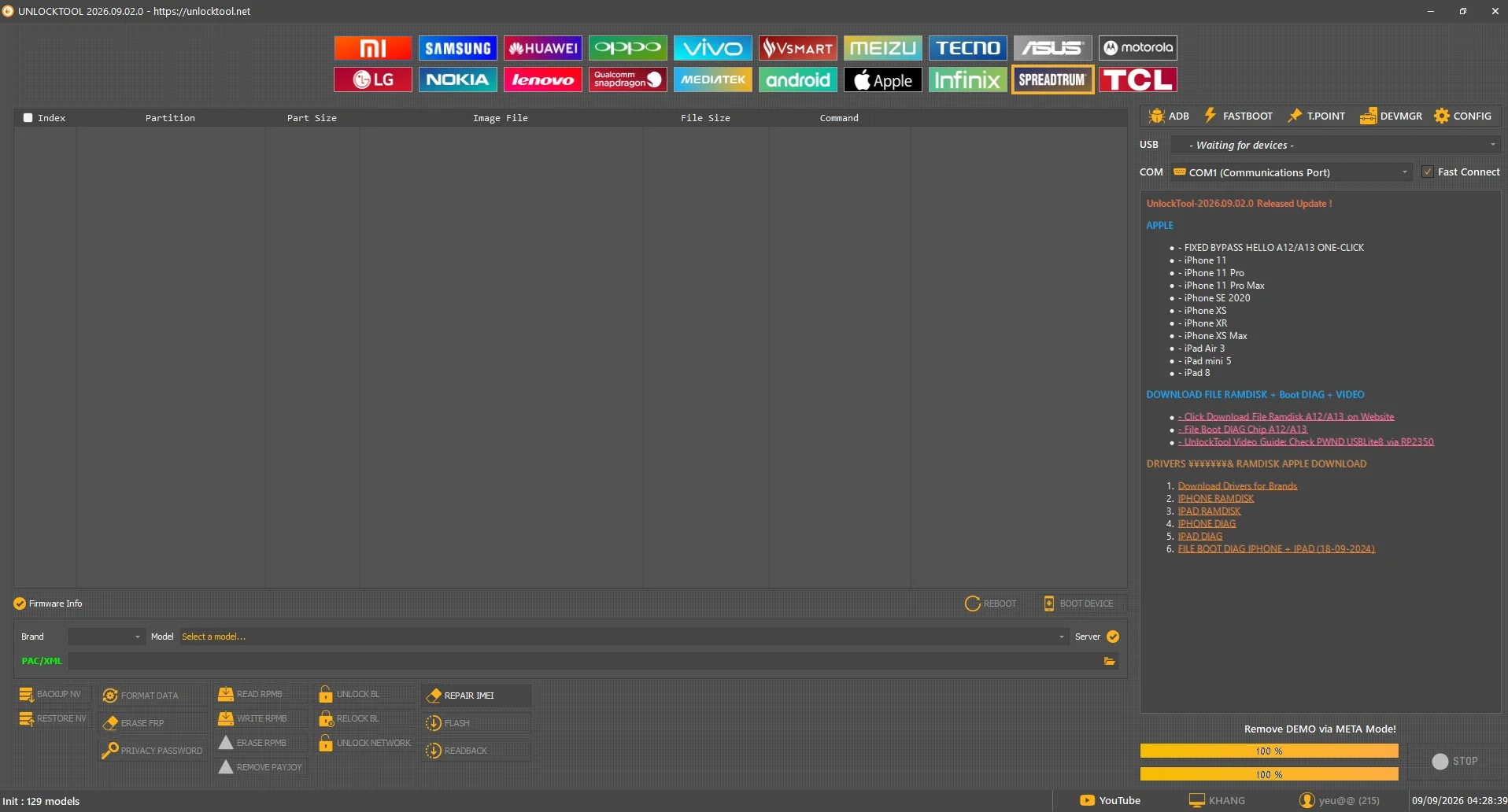
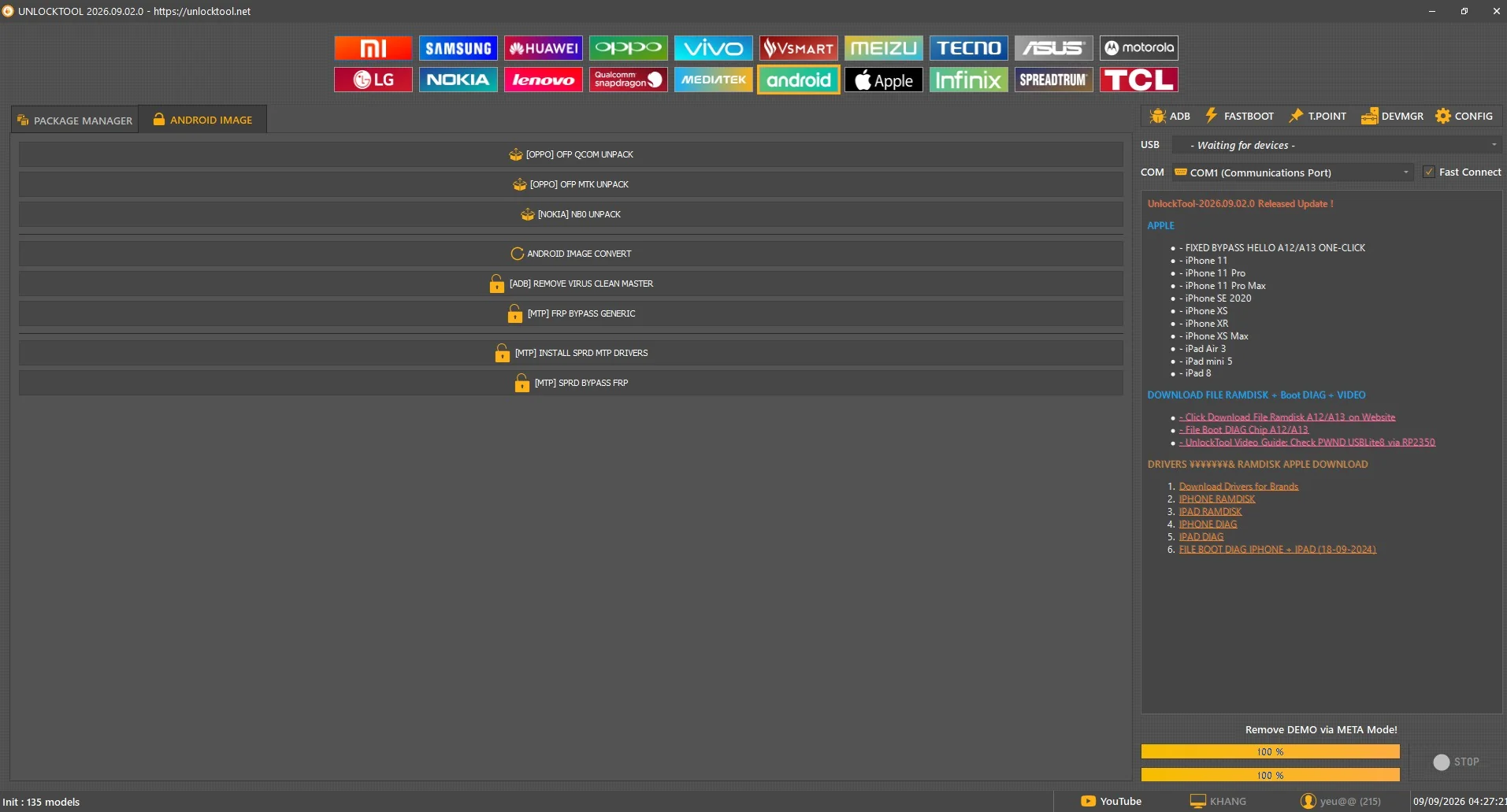
4. Supported Brands & Platform Capabilities
4.1. Samsung
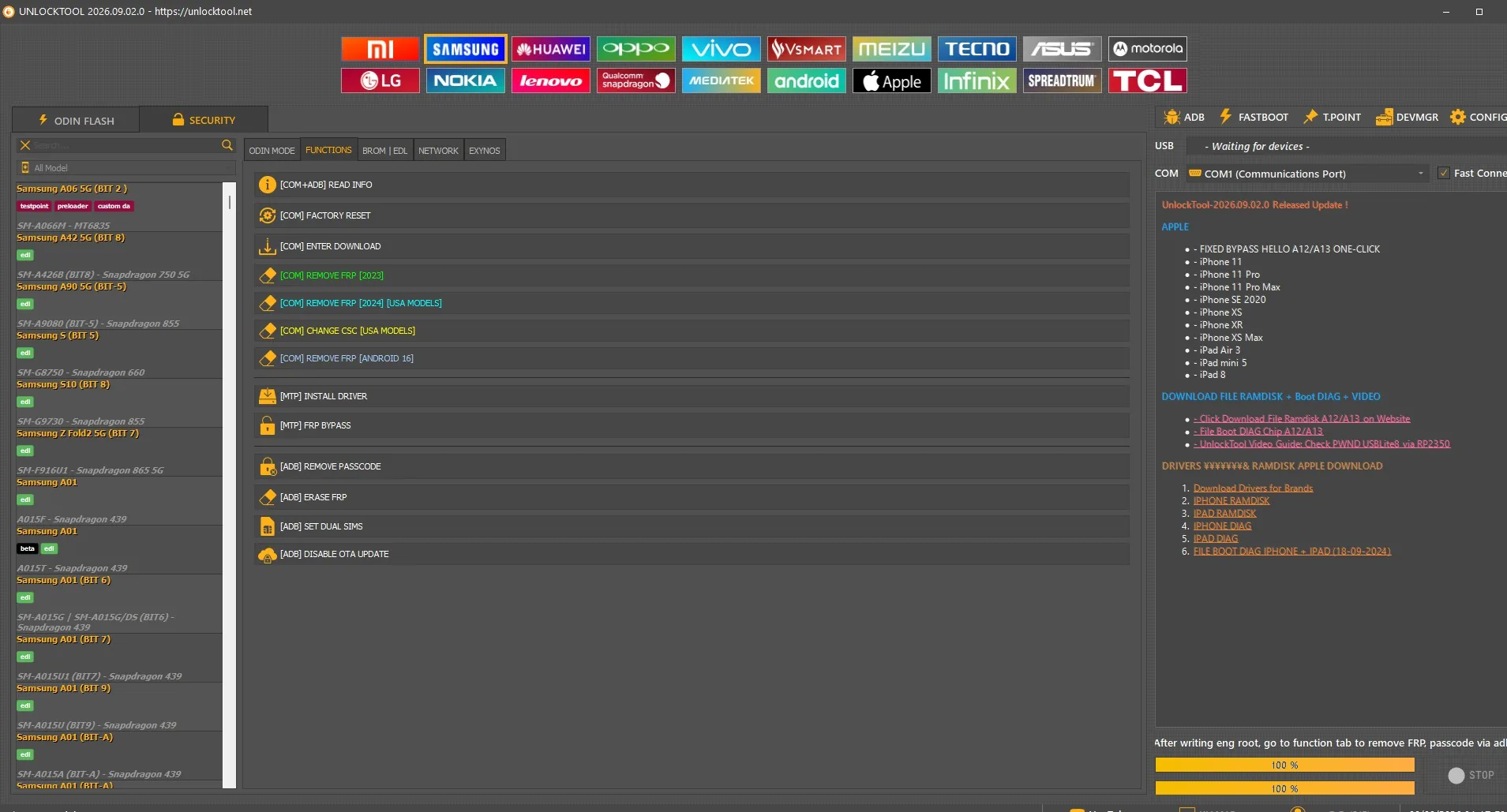
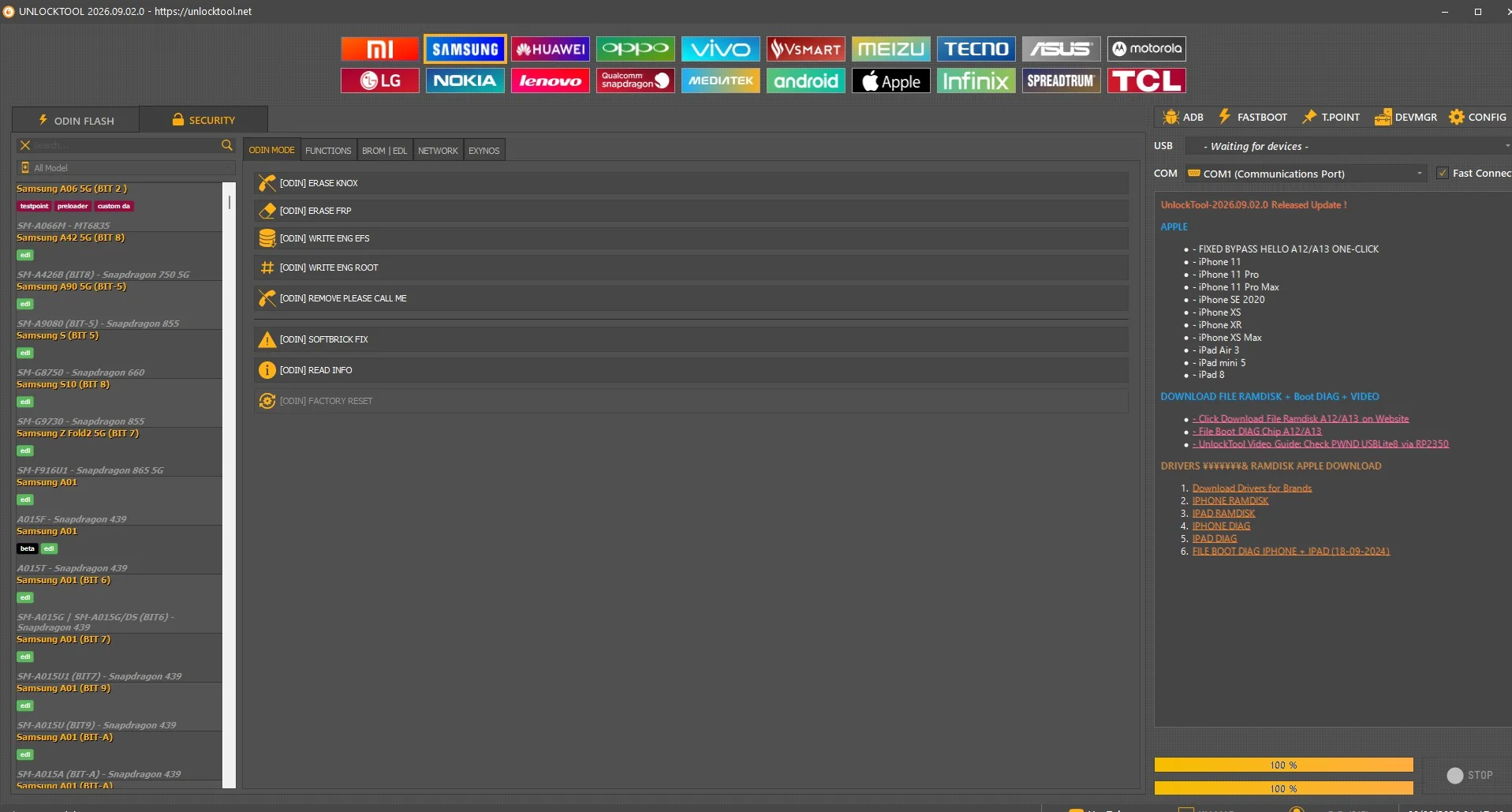
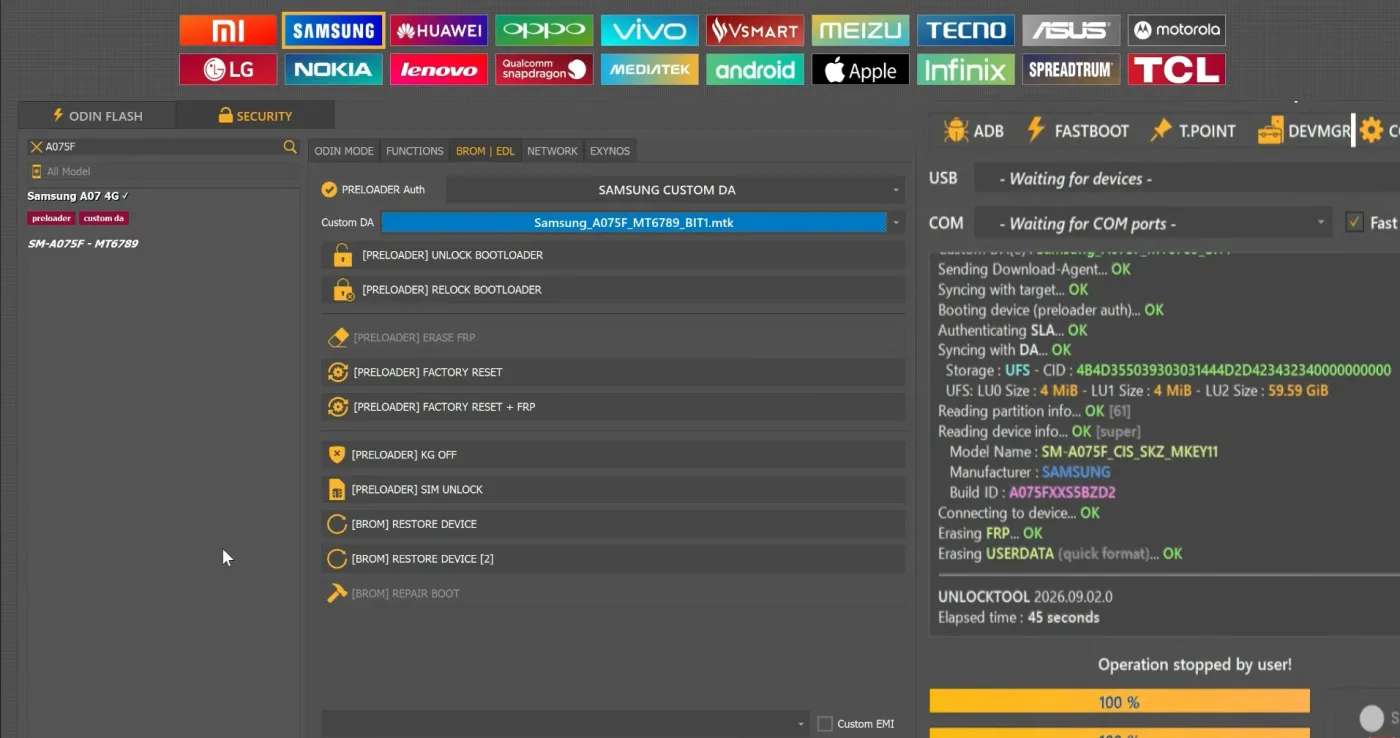
Samsung enjoys the deepest integration inside UnlockTool—supporting FRP removal across Odin, Exynos ADB/EUB, and MediaTek Preloader Custom DA, alongside Knox Guard/MDM workflows, stock Odin flashing, and IMEI restoration from older Galaxy J/A/M series to flagship Galaxy S and Z series. Read our full Samsung FRP bypass guide by chipset for real bench logs on Galaxy A07, A16 5G, A12, and A26.
4.2. Xiaomi / Redmi / POCO
UnlockTool handles Mi Account bypass, FRP erasure, and firmware flashing via Fastboot, Sideload/Recovery, and EDL on Xiaomi, Redmi, and POCO models including newer MIUI and HyperOS releases.
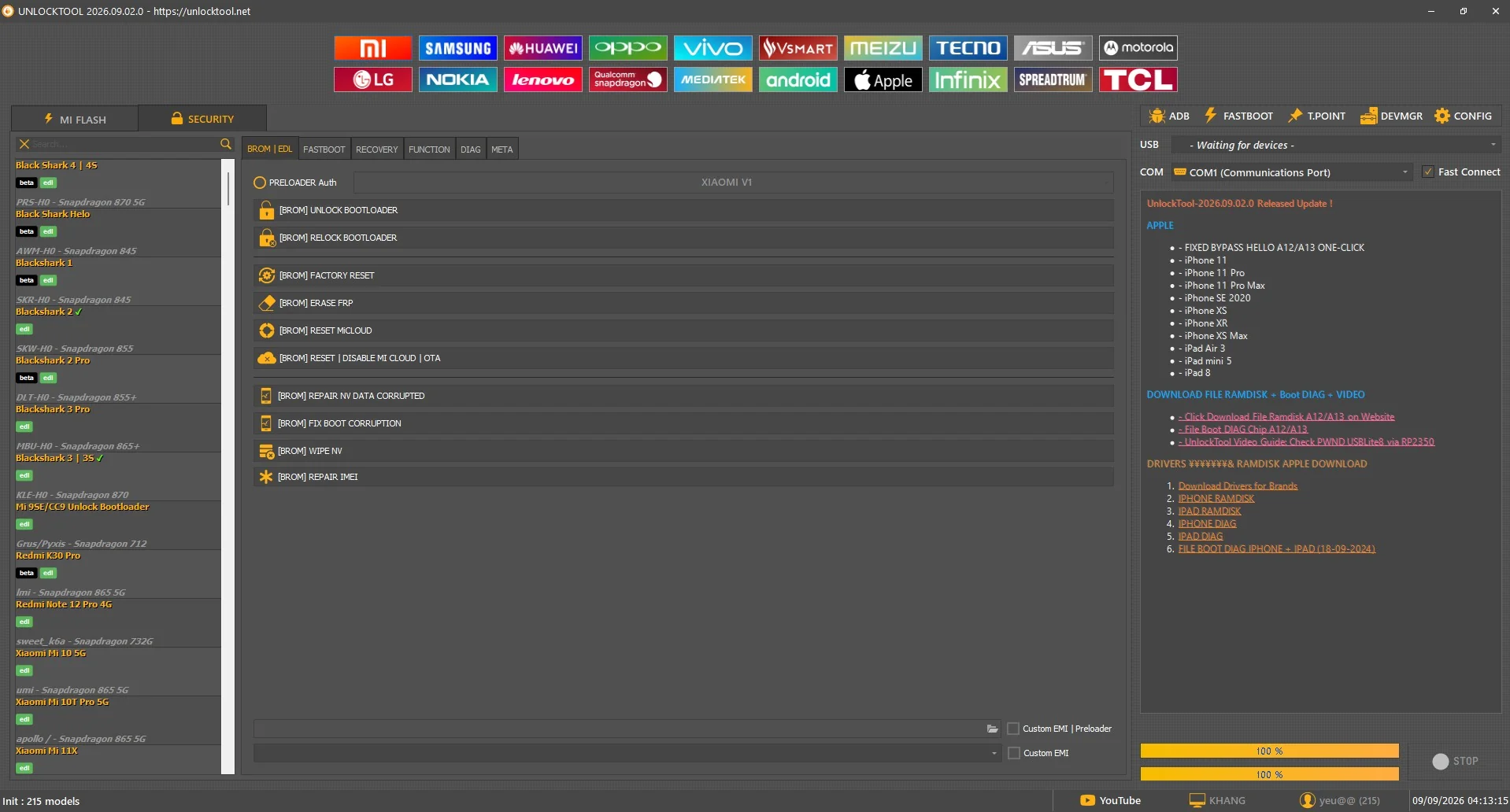
4.3. OPPO & Realme
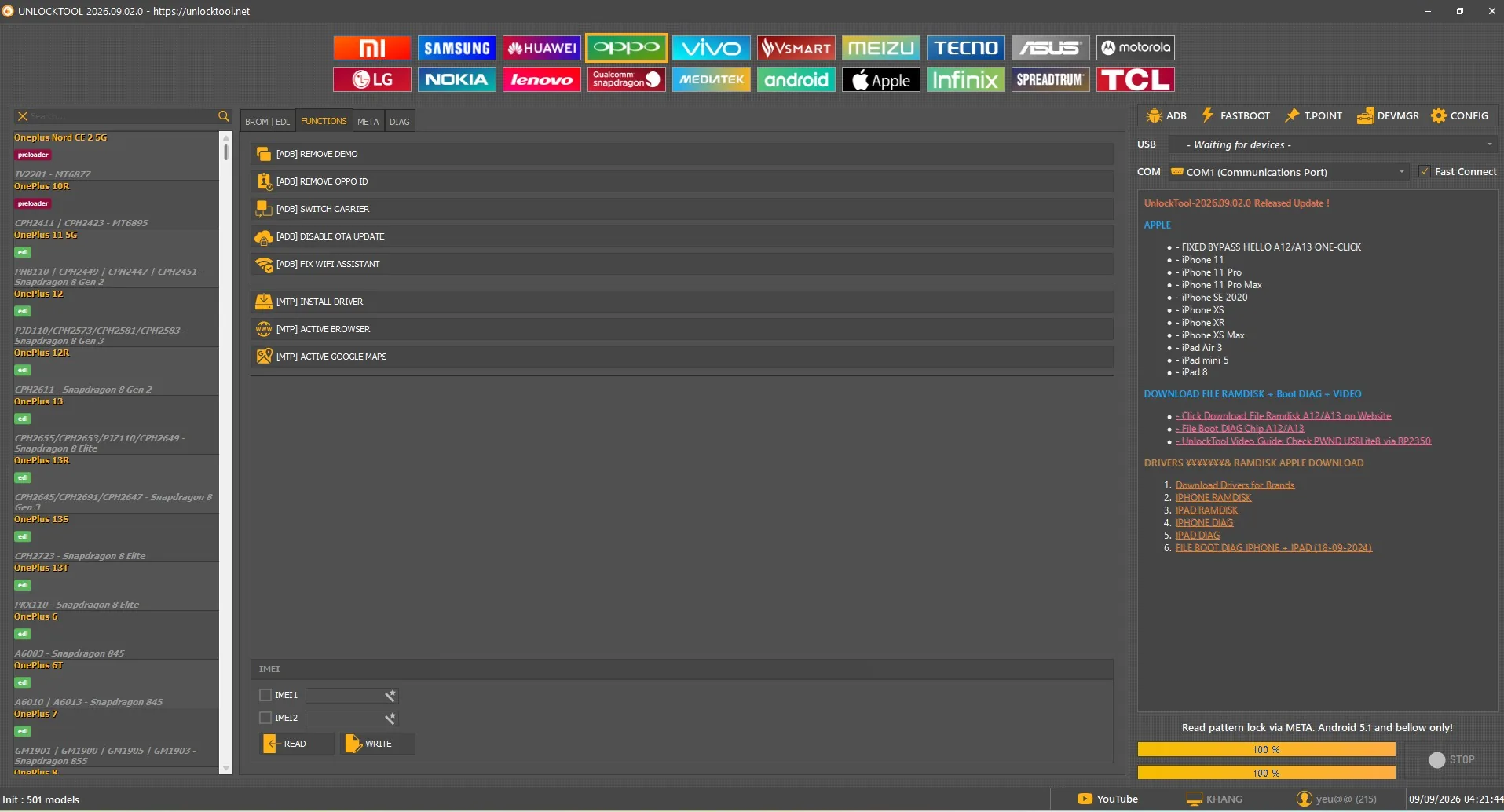
Provides FRP removal and firmware operations via BROM, Meta Mode, and Diag across OPPO A/Reno and Realme C/Narzo/GT families.
4.4. Vivo
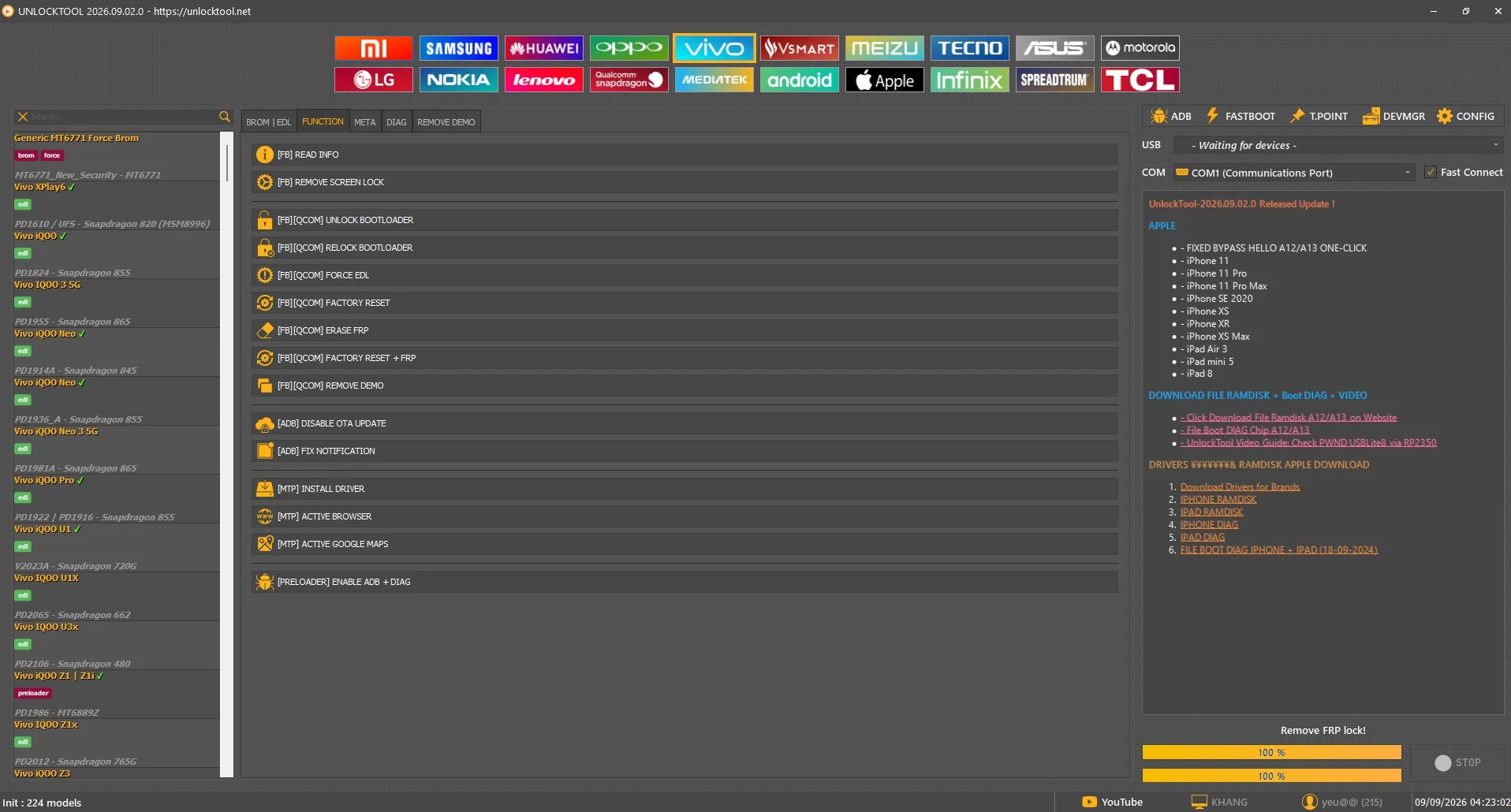
Supports Vivo FRP, factory reset, and retail Demo Mode removal across BROM, Meta, and Diag interfaces.
4.5. Huawei & Honor
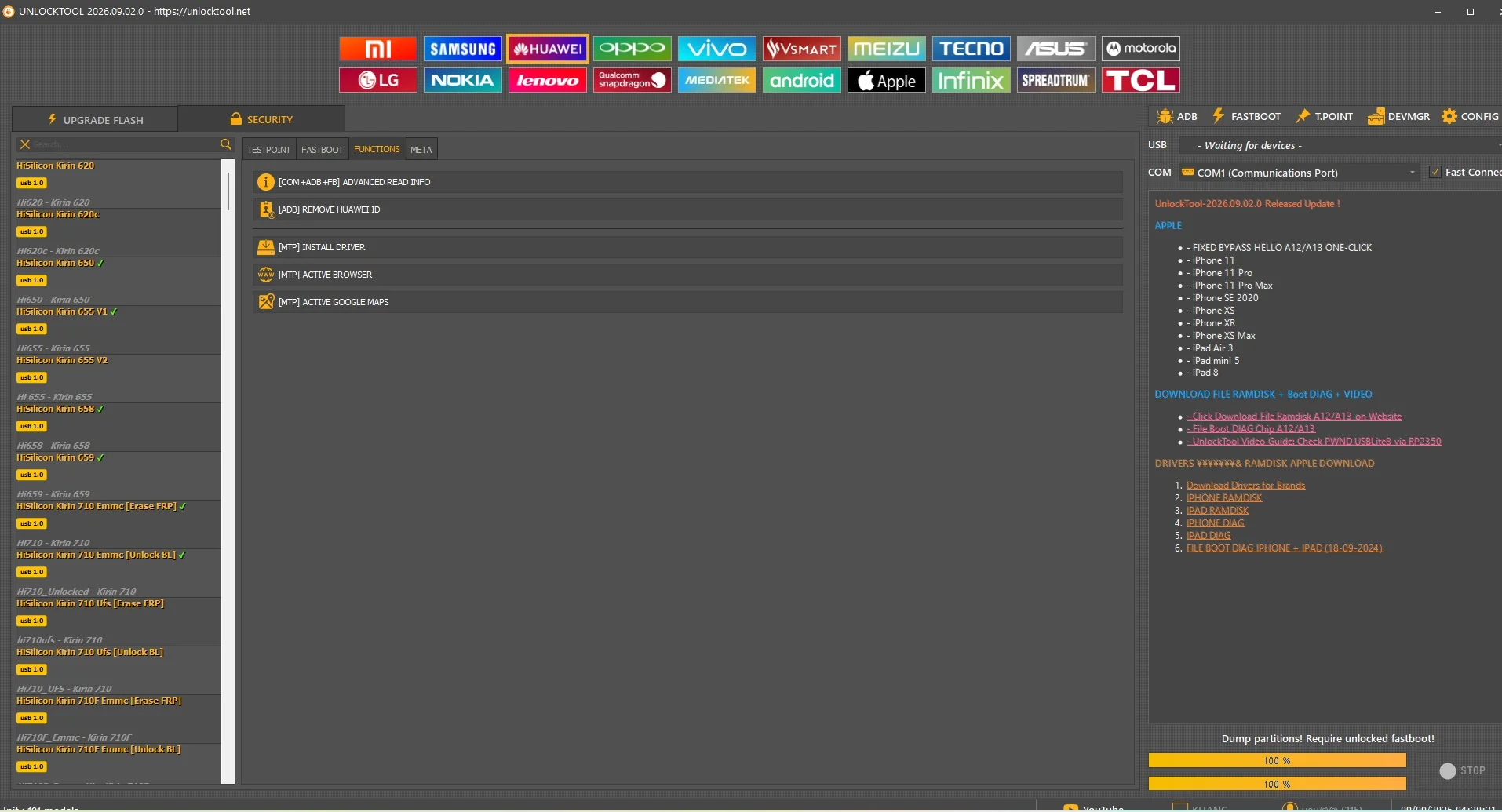
Supports Huawei and Honor devices running Kirin and selected MediaTek chipsets over Fastboot, Meta Mode, and hardware Testpoint.
4.6. Apple (A7 to A13)
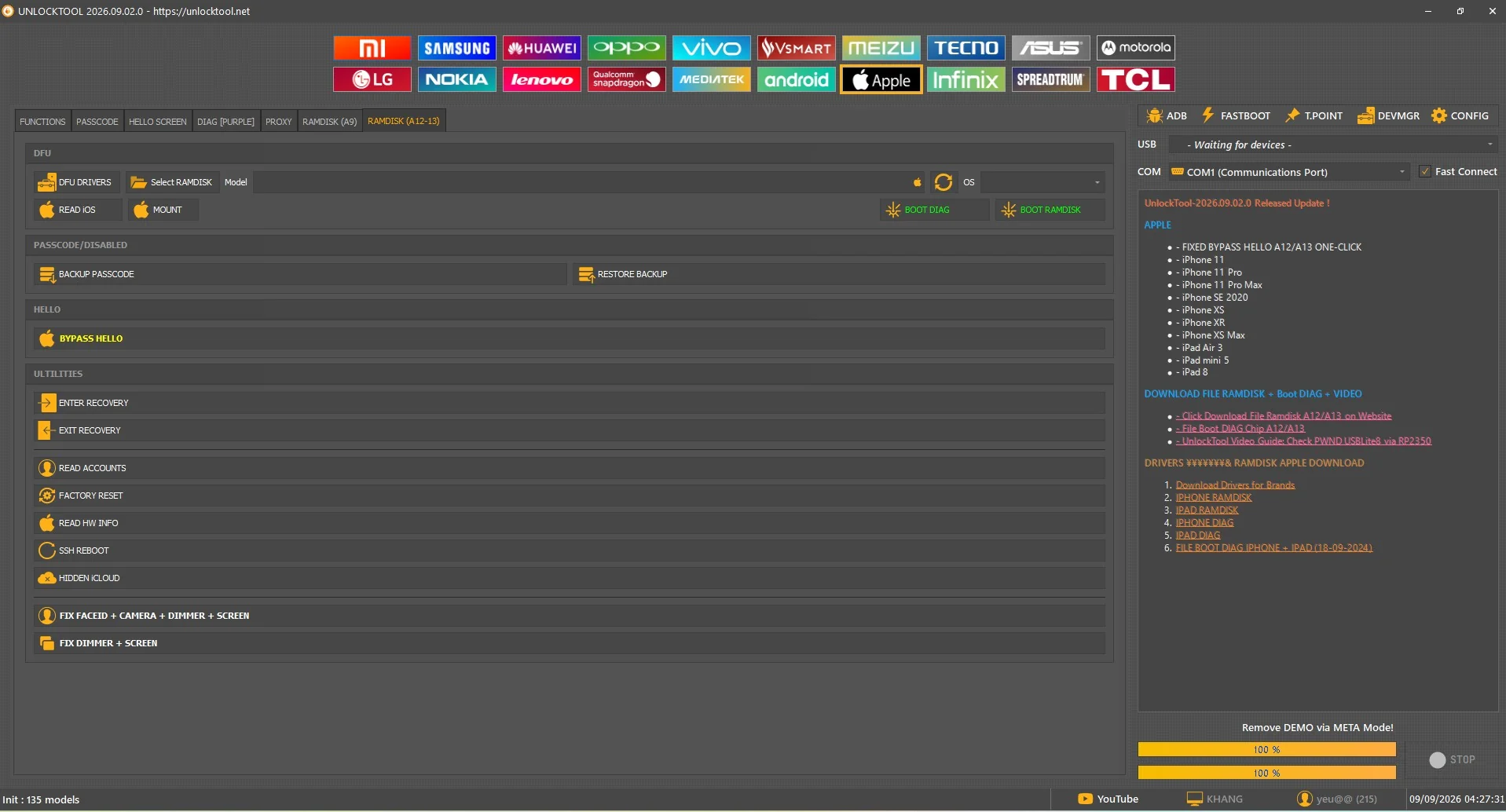
- Checkm8 Ramdisk (iPhone 5s – iPhone X / A7–A11): Passcode/Hello Ramdisk bypass, backup activation files, and info read.
- One-Click Hello Bypass (A12/A13): Expanded and stabilized in v2026.09.02.0 for iPhone 11 series, XS/XR/XS Max, SE 2020, iPad Air 3, iPad mini 5, and iPad 8.
4.7. Additional Supported Brands
UnlockTool also maintains dedicated tabs for Asus, LG, Motorola, Nokia, Meizu, Lenovo, TCL, Vsmart, Infinix, and Tecno depending on SoC architecture.
5. Official Download, Defender Exception & Setup
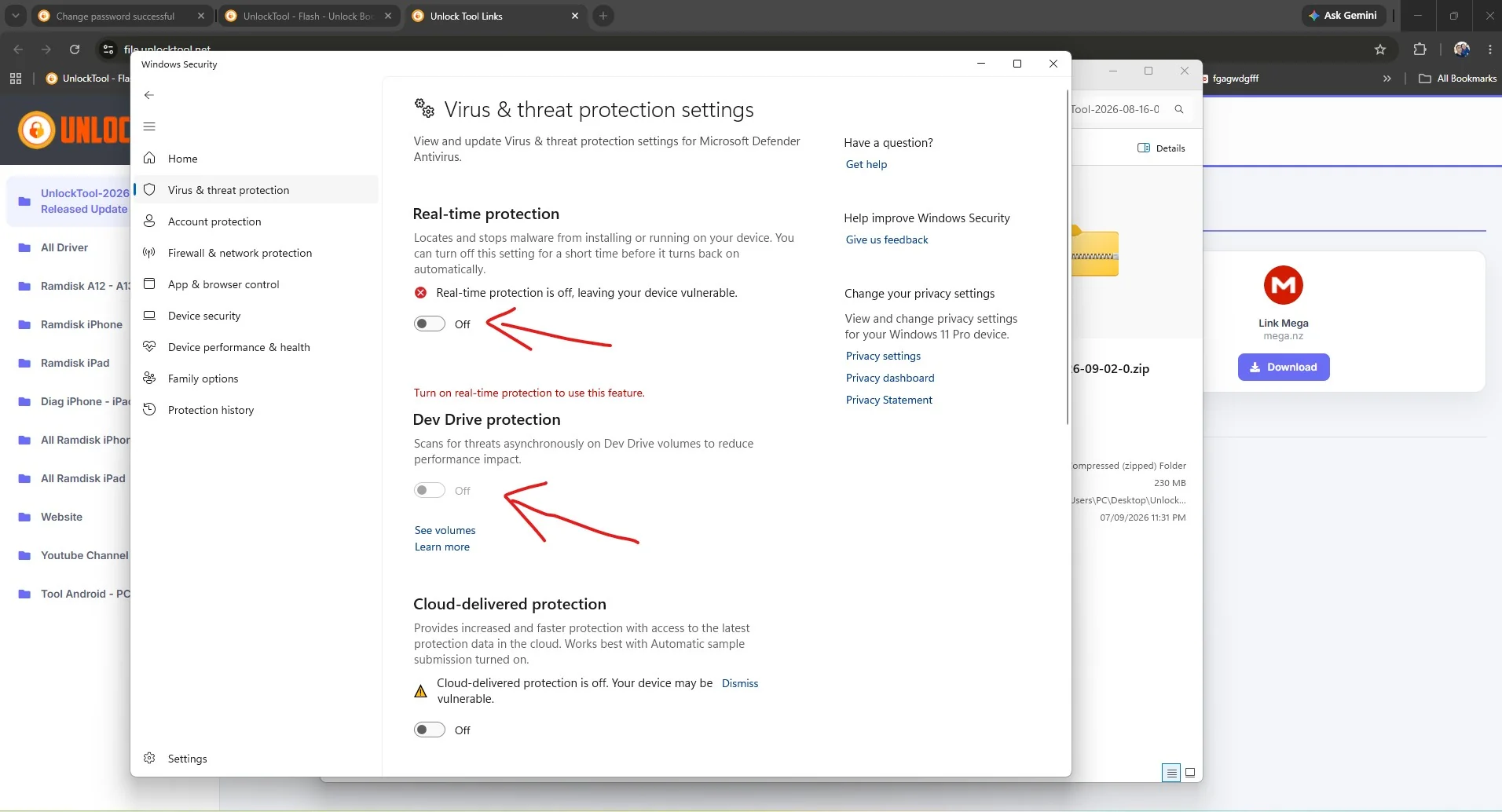
5.1. Handling Windows Defender False Positives
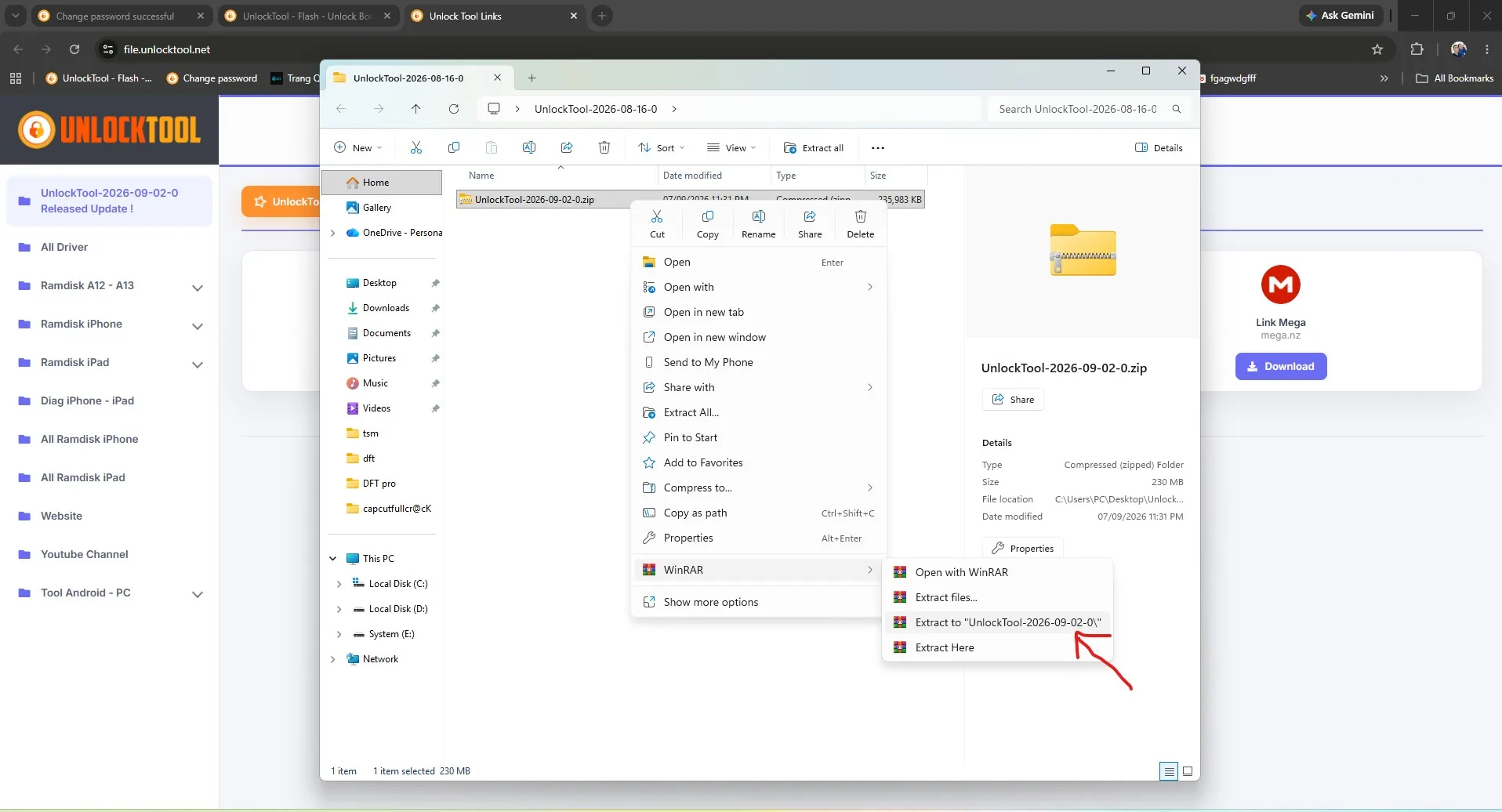
Because GSM tools interact directly with low-level USB drivers and bootloader ports, Windows Defender often flags the executable. Never disable all protection blindly—instead verify you downloaded strictly from the official UnlockTool website, add a folder exclusion in Windows Security, and extract inside that excluded folder.
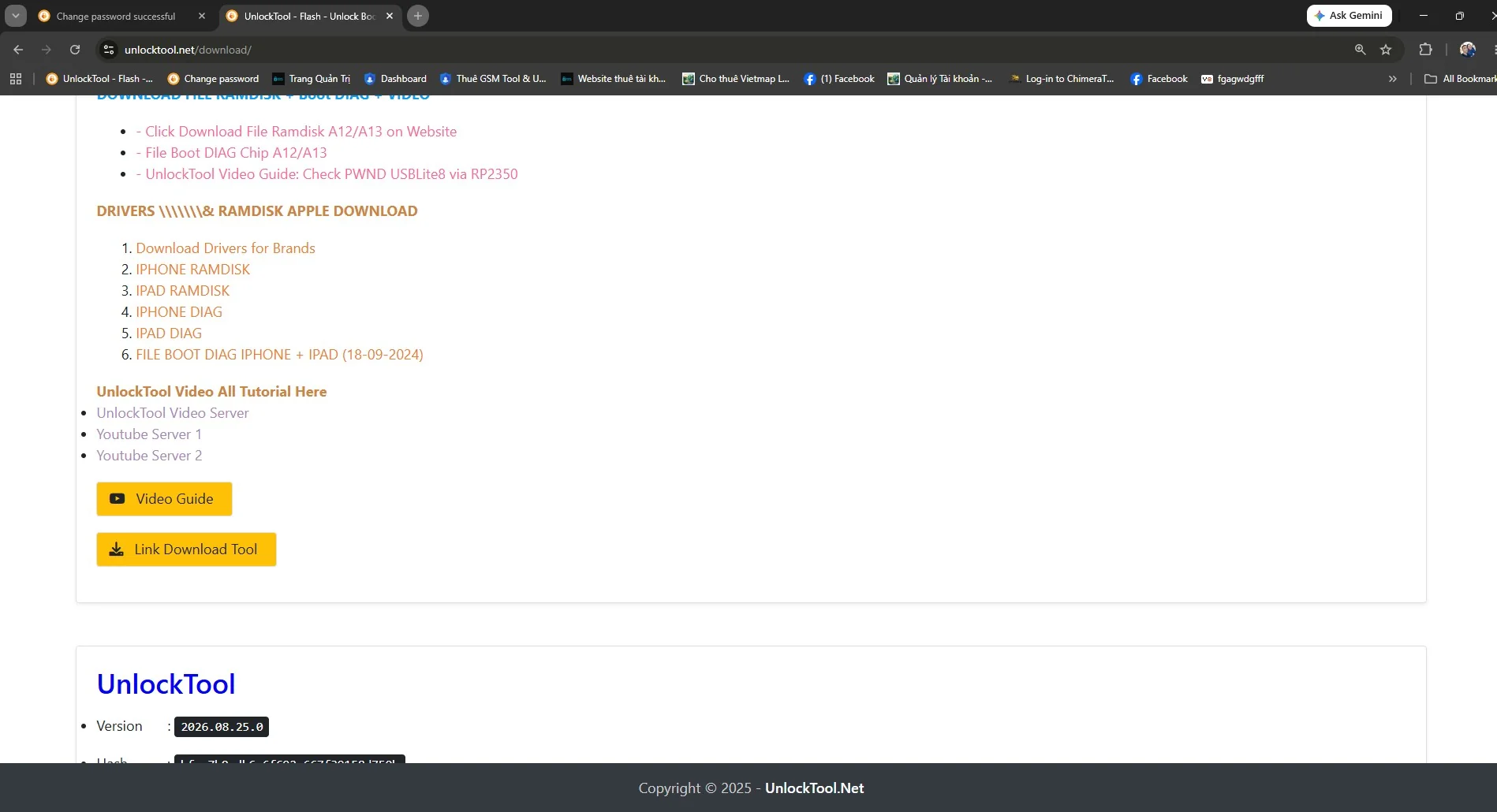
5.2. Official Download Links & All-Driver Pack
- Main Client Installer: Download the latest compressed package exclusively from the official UnlockTool download server via Google Drive, MediaFire, or Mega mirrors linked on unlocktool.net.
- Unified GSM USB Driver Pack: Download the official bundled drivers (Samsung, Qualcomm 9008, MediaTek VCOM, Apple USB, Unisoc/SPD) from
file.unlocktool.net/All-Driver.
5.3. Account Sign-In
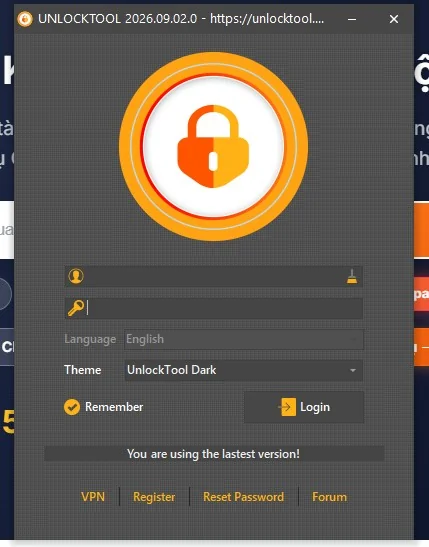
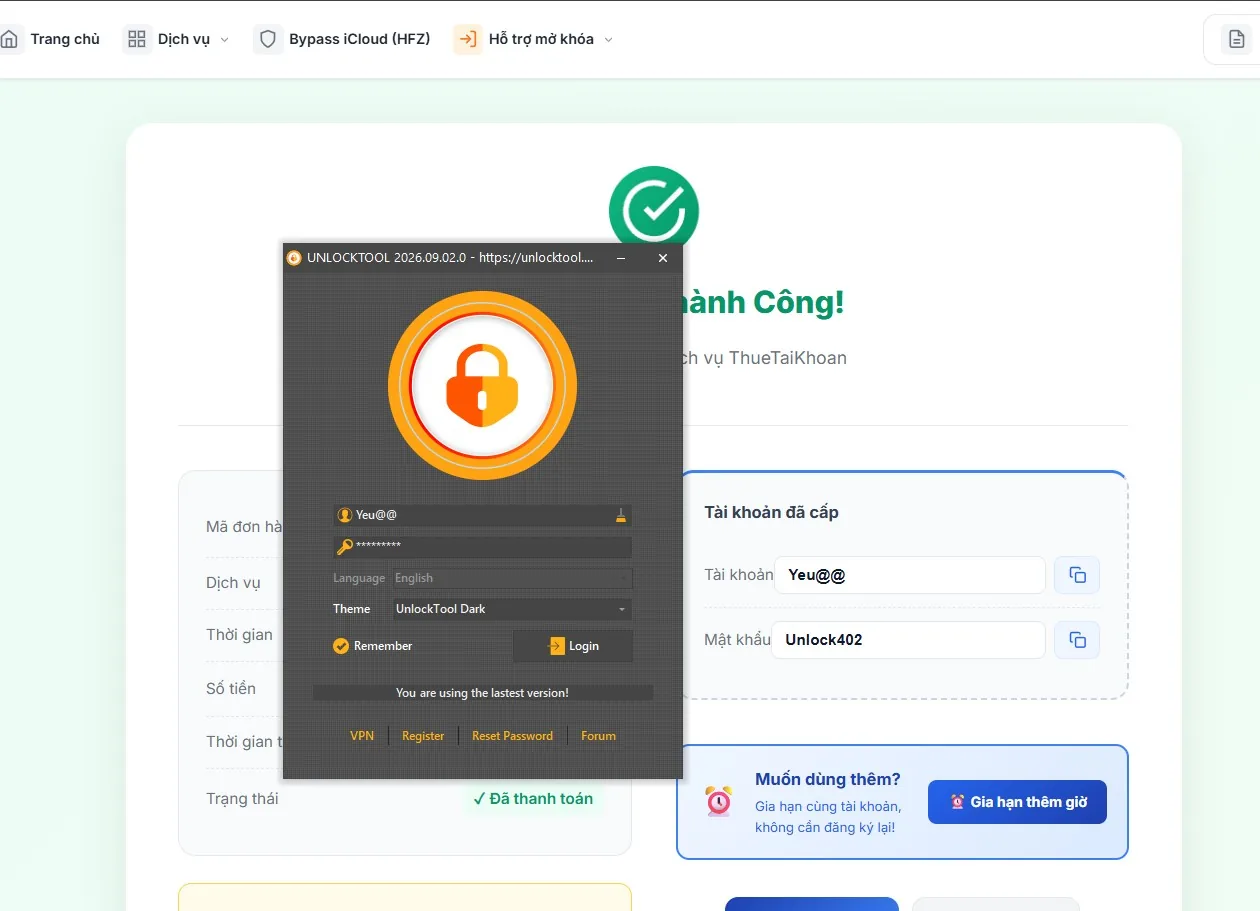
Open UnlockTool.exe via Run as Administrator, paste the username and password from your license or GSM24h rental order, and wait for server verification to populate all tool tabs.
6. How Much Does UnlockTool Cost & How Does Rental Work?
If you only handle a handful of devices per week, renting an account from GSM24h.com eliminates upfront license lock-in. Rental starts from $0.30—no prior wallet deposit or account registration is required.
- Install your USB drivers and prepare the device before starting the rental timer so no hours are wasted.
- Visit our UnlockTool USD rental page and choose a pass (from 6 hours up to 30 days). Check active promo codes on Discount Codes.
- Complete checkout in USD via crypto/payment gateway and receive your UnlockTool username and password automatically on screen and by email.
6.1. Live UnlockTool Rental Plans (USD)
| Package | Current price | Original price | Save |
|---|---|---|---|
| 6 hours | $0.30 | $0.35 | 14% |
| 12 hours | $0.42 | $0.49 | 14% |
| 1 day | $0.95 | $1.00 | 5% |
| 2 days | $1.20 | $1.30 | 8% |
| 3 days | $1.60 | $1.70 | 6% |
| 5 days | $2.00 | $2.10 | 5% |
| 7 days | $3.40 | $3.50 | 3% |
| 14 days | $3.90 | $4.00 | 3% |
| 30 days | $7.40 | — | — |
Updated November 2026 — listed price before coupon
7. How Does UnlockTool Compare to DFT Pro, EFT Pro & Chimera?
UnlockTool leads when your workshop mixes multi-brand Android FRP jobs with Apple Checkm8 Ramdisk and A12/A13 bypasses, whereas DFT Pro focuses heavily on MediaTek Patch Cert and Chimera works on an annual license plus server credit model. Choosing between them comes down to the handsets on your bench.
| Criteria | UnlockTool | DFT Pro | EFT Pro | Chimera |
|---|---|---|---|---|
| Focus | Multi-brand FRP + Apple Ramdisk | Multi-brand + MTK IMEI Patch Cert | Multi-brand Android + Huawei | Samsung / Xiaomi / Server Credits |
| Samsung / Xiaomi / MTK | ✅ Yes | ✅ Yes | ✅ Yes | ✅ Yes |
| Apple Bypass (A7–A13) | ✅ Yes | — No | Limited | — No |
| Pricing Model | Time-based license (3/6/12m) | Annual license | Annual / Dongle | License + Server Credits |
| Automated Rental (GSM24h) | ✅ From $0.30 | ✅ From $1.19 (Rent DFT Pro) | — N/A | — N/A |
Need heavy MediaTek Dimensity/Helio IMEI Patch Cert support? Compare it against our full DFT Pro v8.3.0 technician guide.
🔧 Technician Check Before Paying for a Slot (By Trần Kế Khang):
Before checking out, install the matching chipset USB driver, add the extracted folder to Windows Defender Exclusions, and confirm your cable detects Download, BROM, or EDL mode cleanly so zero rental minutes go toward Windows troubleshooting.
8. Common Errors and Quick Fixes
| Error Message | Root Cause | Quick Resolution |
|---|---|---|
| Error 200 | Insufficient Windows permissions | Right-click UnlockTool.exe → Run as Administrator |
| No device found | Missing or conflicting USB driver | Install Qualcomm 9008 / MTK VCOM / Samsung driver cleanly |
| Executable deleted | Windows Defender quarantine | Restore file and add folder exclusion (Section 5.1) |
| Login failed / Expired | Typo or expired rental slot | Check email credentials or renew an active pass on GSM24h |
| USB drop mid-flash | Faulty cable or USB hub | Plug a short direct USB-A/USB-C cable into rear motherboard ports |
9. Frequently Asked Questions
What is UnlockTool used for?
UnlockTool is a Windows GSM servicing tool used by technicians for FRP bypass, Apple Ramdisk/Hello bypass (chipset-dependent), firmware flashing, bootloader management, and legitimate IMEI restoration across major Android brands.
Is UnlockTool free?
No. UnlockTool requires an active commercial license or rented account. Through GSM24h.com, you can rent an active account starting from $0.30 with automatic delivery.
Should I use cracked UnlockTool builds?
No. UnlockTool relies on live server authentication; cracked executables fail server checks, risk malware infection, lack recent security patch support, and can hard-brick customer handsets.
Where is the safe official download link for UnlockTool?
Always download strictly from unlocktool.net and its official file.unlocktool.net file servers. Avoid third-party repacks from unverified forums.
Can UnlockTool remove Samsung FRP on new Android builds?
Yes, via Odin ADB, Exynos, and MediaTek Preloader Custom DA modes depending on chipset, BIT level, and security patch. Check our Samsung FRP chipset guide for real logs.
Does UnlockTool support iPhone and iPad iCloud bypass?
Yes, across A7–A11 via Checkm8 Ramdisk and expanded one-click Hello bypass on A12/A13 devices stabilized in v2026.09.02.0.
👉 Ready to start your repair with UnlockTool?
Pick a flexible hourly or multi-day pass on GSM24h.com from $0.30—automated credential delivery right after checkout.
⚡ Rent UnlockTool Now →
Written by: Trần Kế Khang
5 years of in-depth mobile & laptop hardware repair experience; founder of thuetaikhoan.com.vn, unlocktool.us, dienthoailaptop.vn, and gsm24h.com. Facebook · Profile & articles · About us

No comments yet. Be the first to share your thoughts!