
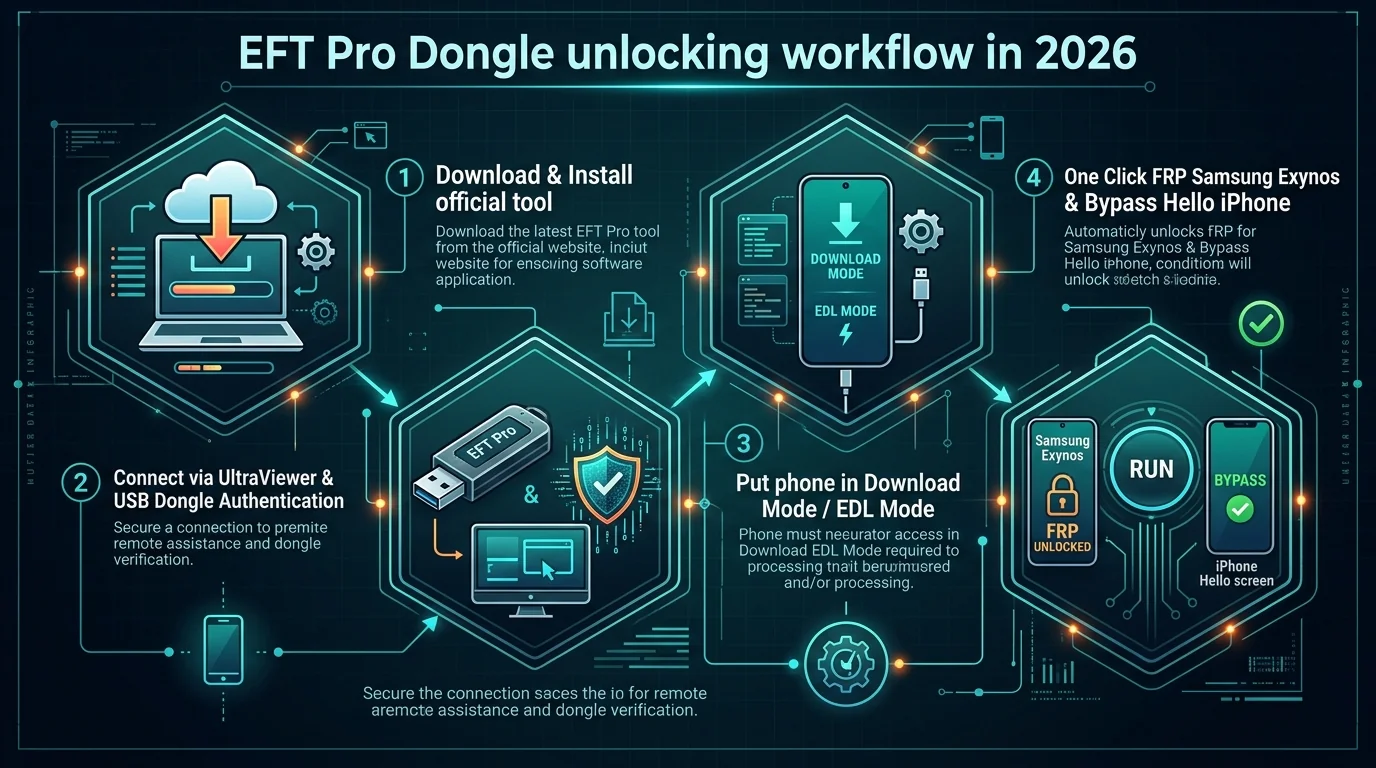
As newer Android 15 and 16 security patches block legacy Samsung ADB dialer exploits, EFT Pro Dongle (developed by Easy Firmware Team) stands out for fast One-Click Samsung Exynos FRP in Odin Download Mode—plus iPhone A12–A13 Hello Screen bypass and Huawei Kirin service workflows. Because EFT Pro requires a physical USB hardware dongle, renting a live remote session via UltraViewer on GSM24h.com lets you finish urgent jobs from $2.30 without buying hardware.
📑 Table of Contents
- 1. What Is EFT Pro Dongle & Supported Devices?
- 2. Why Rent Remotely Instead of Buying a Hardware Dongle?
- 3. Preparation: Download Client, Drivers & UltraViewer
- 4. How Automated Payment & UltraViewer Dongle Linking Works
- 5. One-Click Samsung Exynos FRP in Download Mode
- 6. How Does EFT Pro Bypass Hello Screen on iPhone A12–A13?
- 7. Fixing Smart Card, COM Port & "Please Wait" Errors
- 8. Safety, IMEI Verification & Service Guarantee
- 9. Frequently Asked Questions
1. What Is EFT Pro Dongle & Supported Devices?
EFT Pro Dongle is a hardware-keyed servicing suite built by Easy Firmware Team supporting broad multi-brand smartphone coverage for FRP bypass, IMEI/baseband restoration, firmware flashing, and screen lock servicing. Unlike cloud-only credentials, the client validates an active physical Smart Card USB Dongle.
1.1. Key EFT Pro Capabilities in 2026
- Samsung Exynos One-Click FRP: Clear Google Account verification on modern Exynos phones (Galaxy A14, A24, A34, A54, S21, S22) directly in Download Mode.
- iPhone A12–A13 Hello Bypass: Bypass Hello activation screens on iPhone XR, XS, XS Max, and iPhone 11 (
V5.5.x) via RAMDisk without hardware serial changes. - Huawei Full Service: Read info, flash firmware via Huawei USB COM 1.0, and remove FRP on Kirin and Qualcomm builds.
- IMEI & Baseband Repair: Restore NVRAM, NVDATA, and CERT files on MediaTek and Qualcomm handsets within lawful servicing scope.
- Legacy Screen Lock Bypass: Remove PIN/pattern locks without userdata wipe on supported older builds.
1.2. Supported Hardware Chipsets
- Samsung Exynos: Exynos 850, 980, 1280, 1380, 1480, 2100, and 2200 running Android 12 through 16.
- Qualcomm Snapdragon: Boot repair and FRP erase over EDL 9008 Mode.
- MediaTek (MTK): BROM / Preloader servicing for Xiaomi, OPPO, Realme, and Vivo.
- Unisoc (SPD): Factory reset and FRP erasure on entry-level chipsets.
💬 Workshop Field Note — By Thanh Tài:
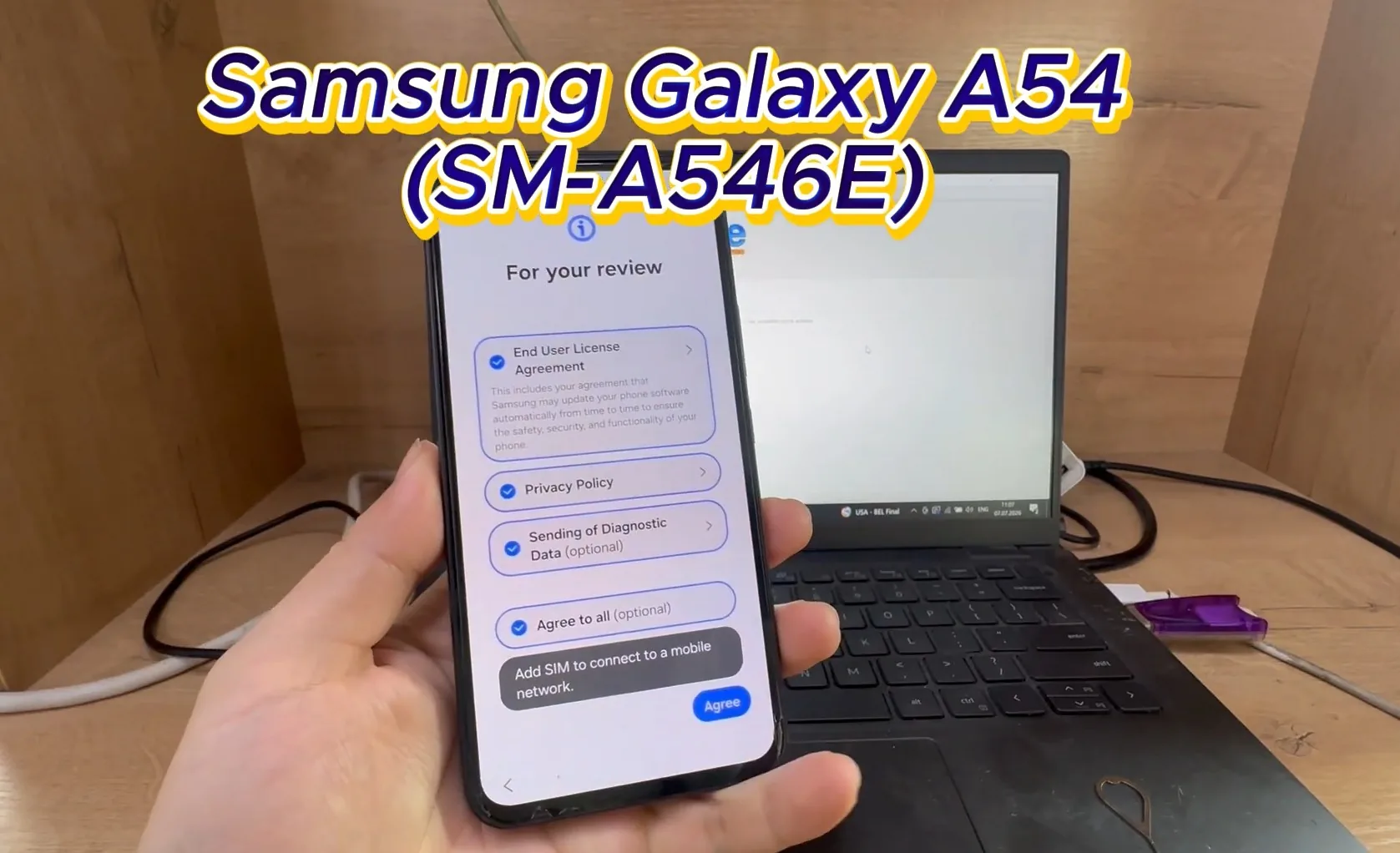
When Samsung Galaxy A54 or A34 units arrive with recent 2026 firmware where ADB commands fail cleanly in general tools, switching to EFT Pro Dongle over Odin Download Mode clears FRP in roughly 90 seconds without opening the back cover for hardware testpoints.
2. Why Rent Remotely Instead of Buying a Hardware Dongle?
| Criteria | Buying Physical USB Dongle | Hourly Remote Rental (GSM24h.com) |
|---|---|---|
| Upfront Hardware Cost | High upfront USB dongle + starter kit cost | Start from $2.30 |
| Annual License Renewal | Required yearly activation fee | $0 renewal overhead (included on host) |
| Delivery Lead Time | Days of shipping transit | Immediate remote session after checkout |
| Hardware Failure Risk | Physical smart-card wear or USB damage | Zero personal hardware wear |
| Support | Self-guided forum lookup | Guided UltraViewer dongle connection via Support |
2.2. Live EFT Pro Rental Rates (USD)
| Package | Current price | Original price | Save |
|---|---|---|---|
| 1 hour | $2.30 | $2.60 | 12% |
| 2 hours | $4.00 | — | — |
Updated November 2026 — listed price before coupon
💡 Batch Job Tip: If you have 2–3 Exynos phones queued at once, grab the multi-hour slot (and check Discount Codes) so you finish everything calmly in one session.
3. Preparation: Download Client, Drivers & UltraViewer
Have everything downloaded and drivers installed before checkout so zero rental minutes go toward setup:
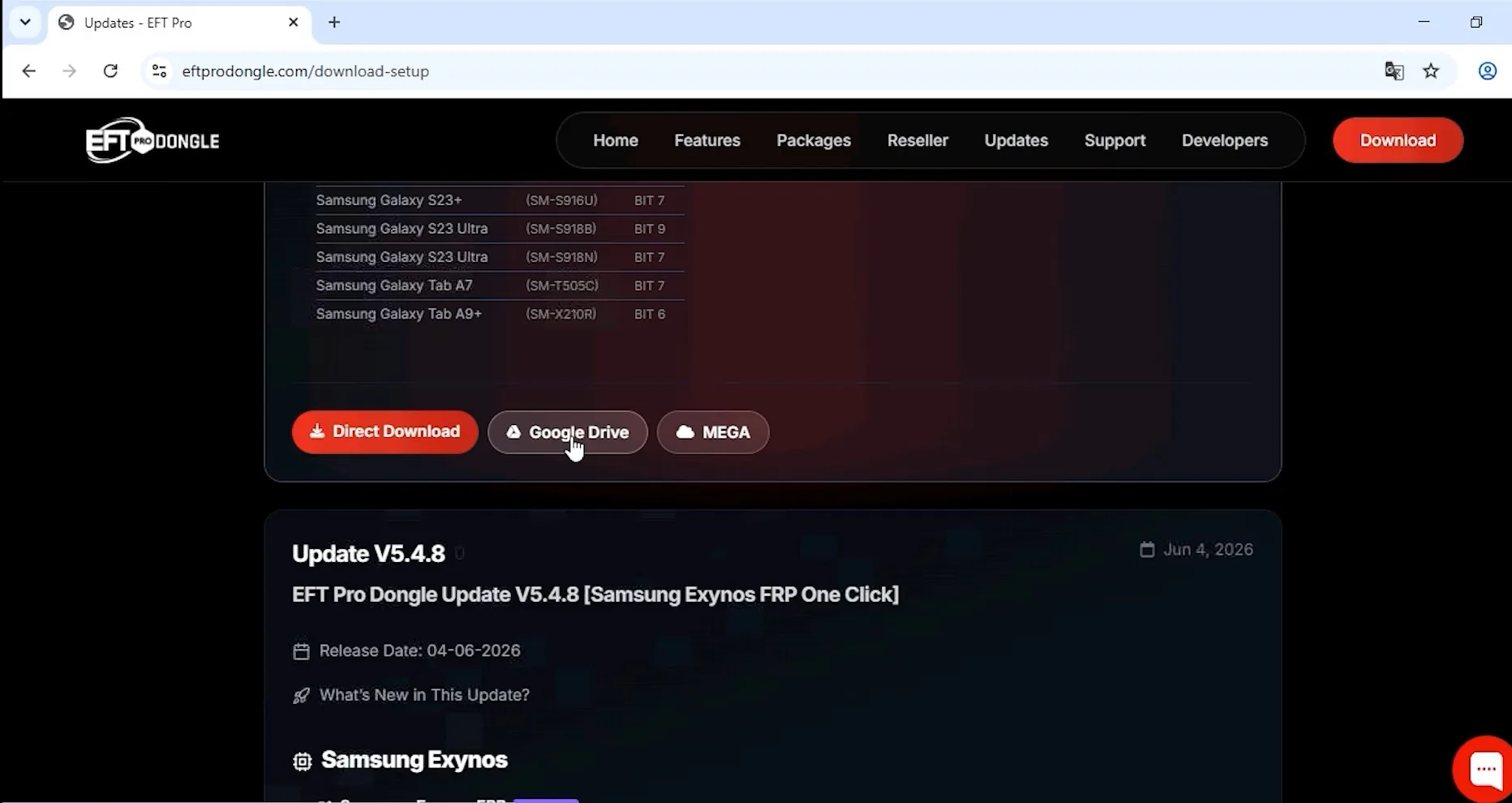
- Download the official installer from the official EFT Pro portal along with the official Samsung USB Driver & All-In-One GSM USB drivers.
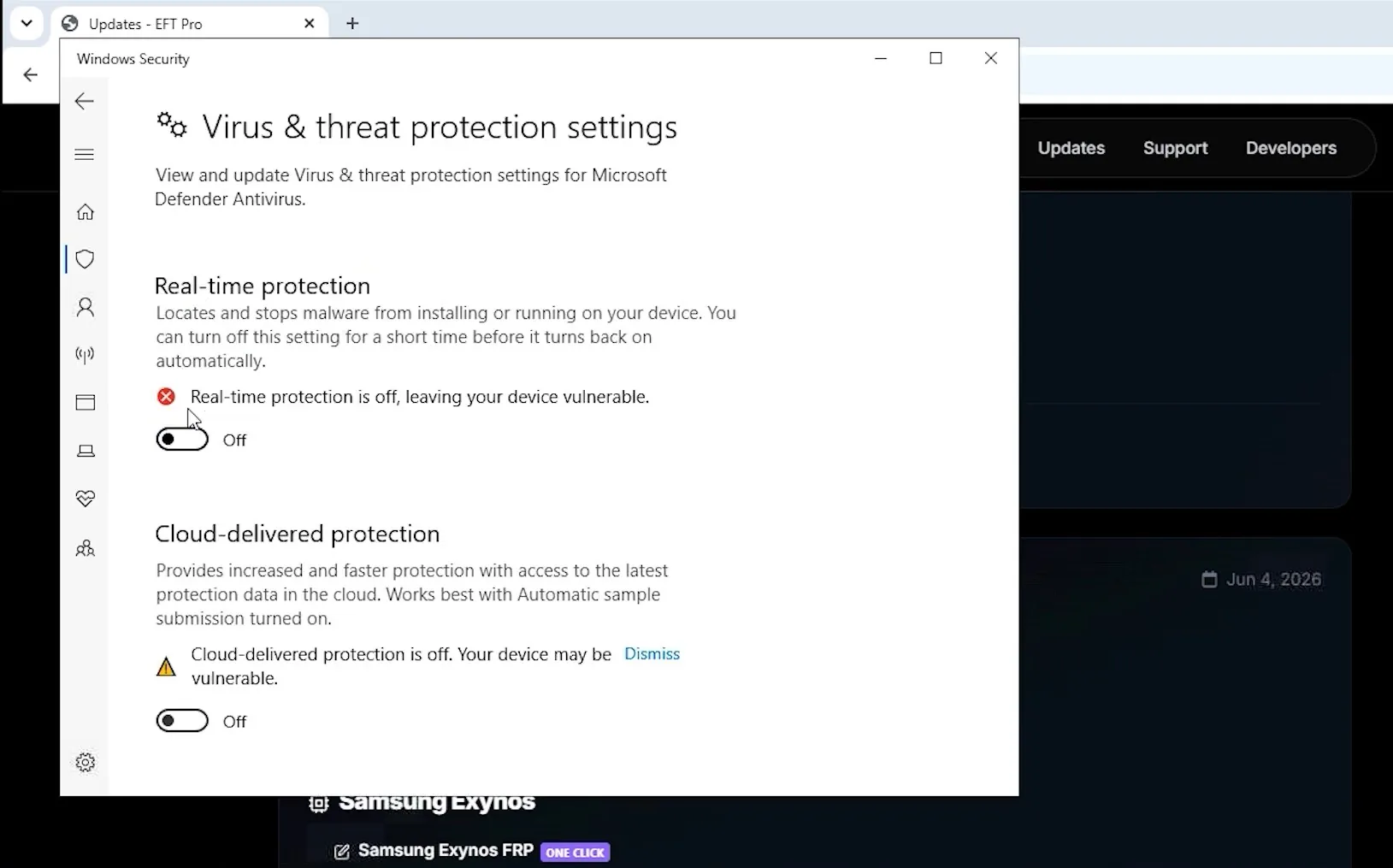
- Temporarily pause Windows Security Real-time Protection (or add a folder exclusion on
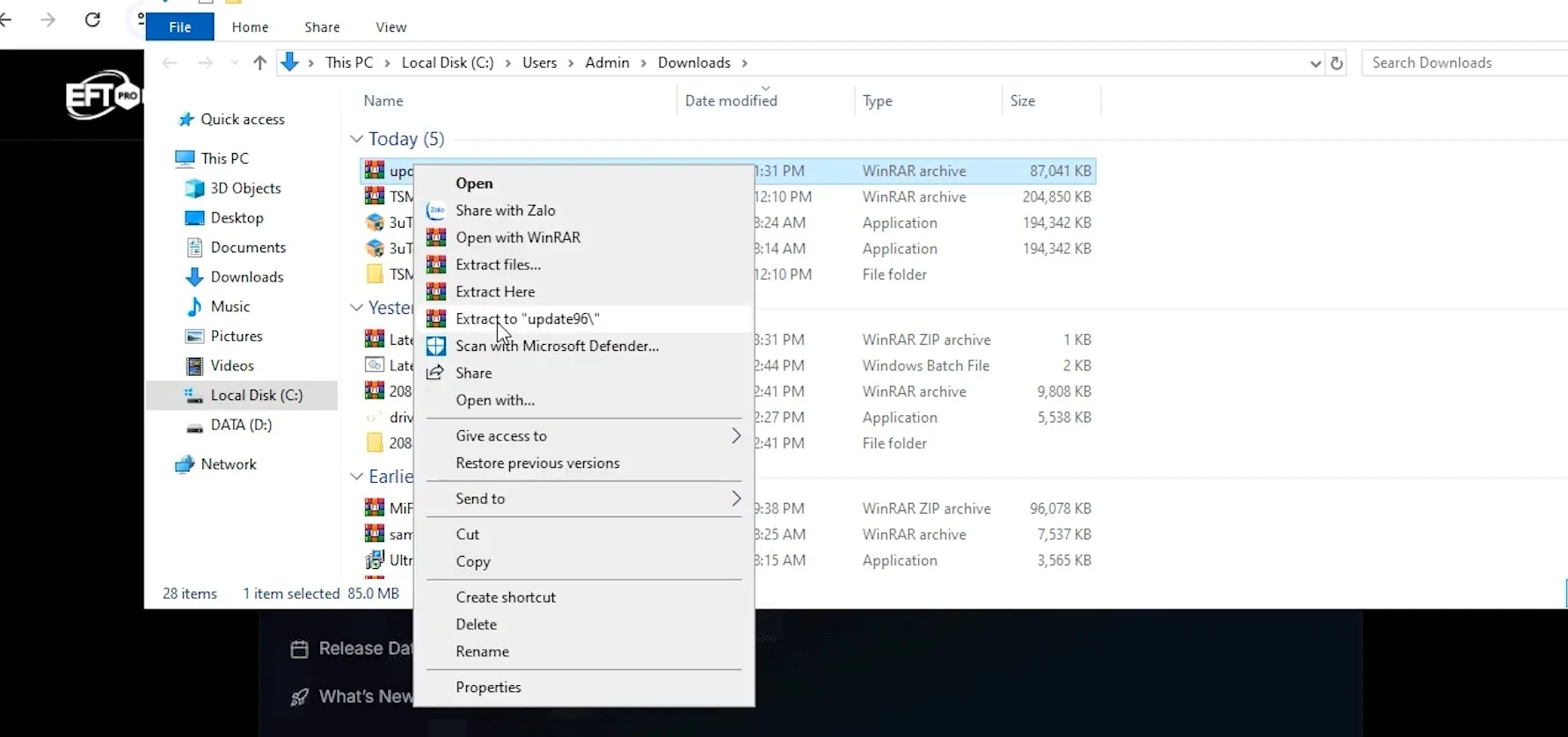
C:\orD:\) so Windows does not quarantineEFT_Pro.exe. - Extract the archive into its own clean folder and open UltraViewer (or AnyDesk) ready to share your session ID and password.
4. How Automated Payment & UltraViewer Dongle Linking Works
- Open Rent EFT Pro on GSM24h.com, pick your time slot, and complete USD checkout (no pre-funded wallet required).
- Send your order ID together with your UltraViewer ID & Password via GSM24h Support.
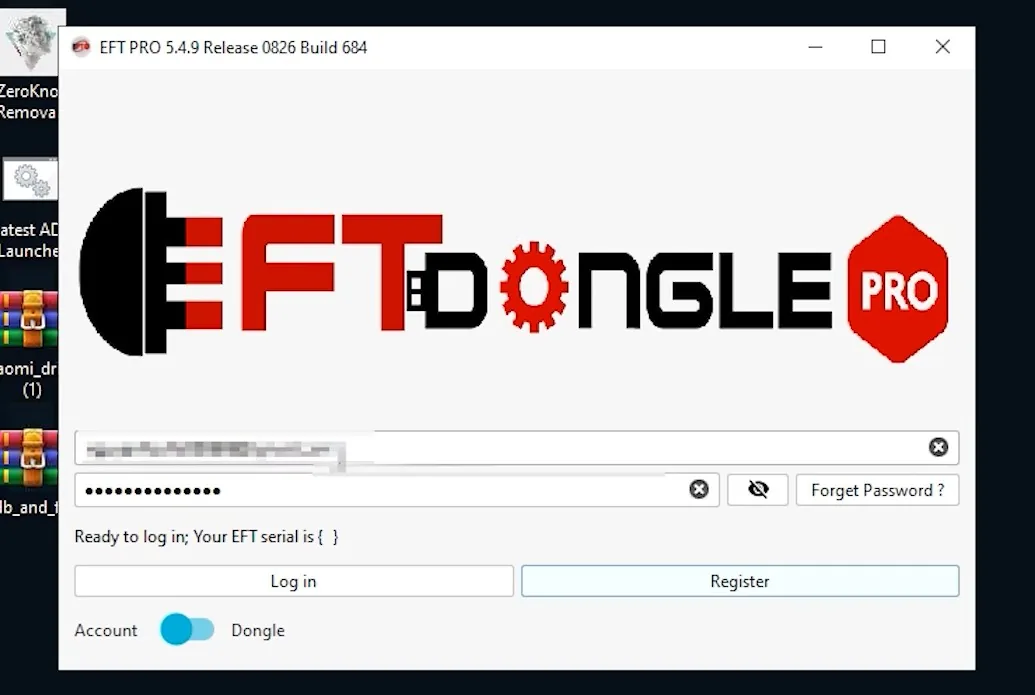
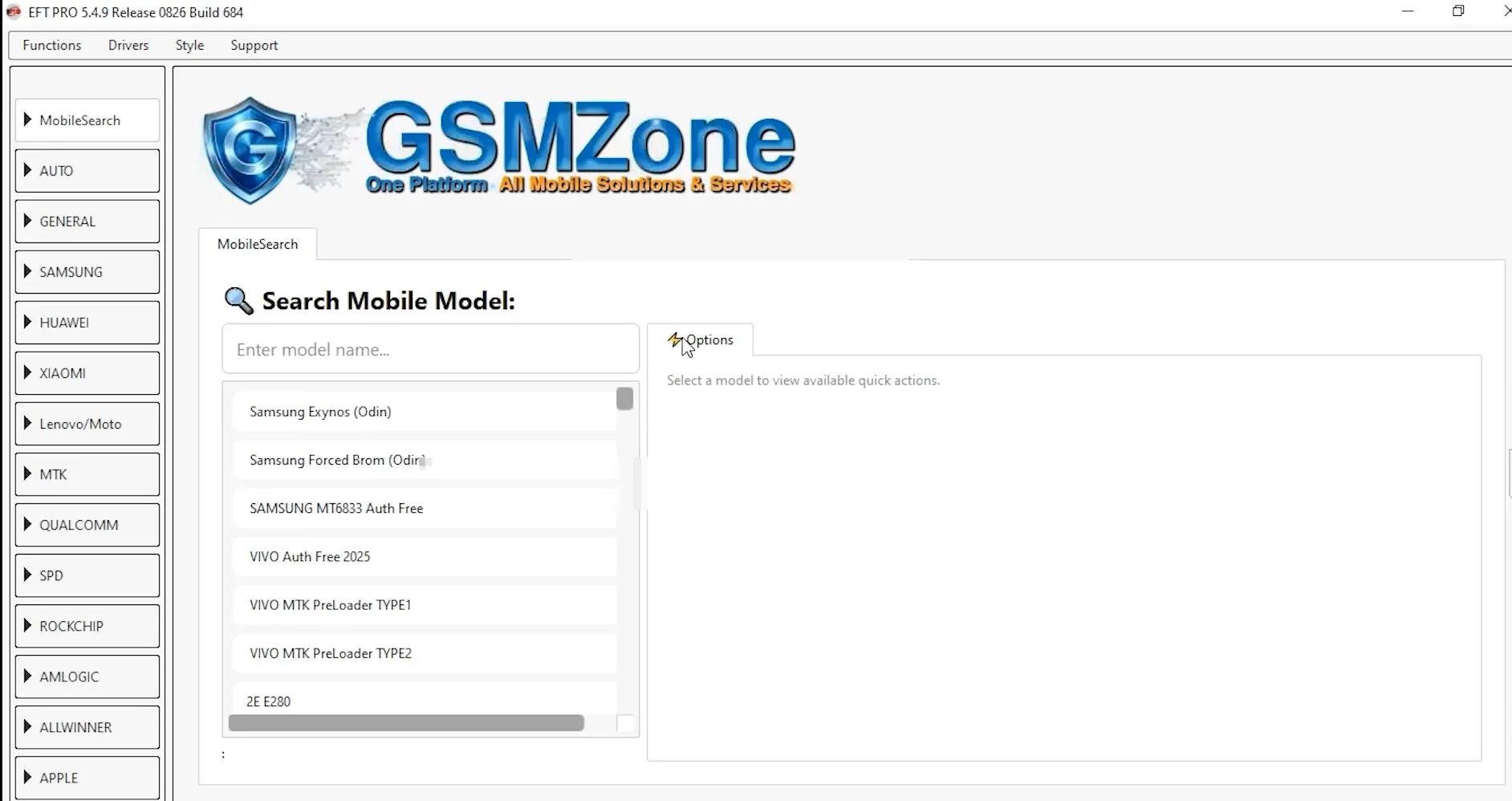
- Our technician bridges a genuine physical EFT Pro USB Dongle from our host directly to your PC over UltraViewer and launches the authenticated dashboard—then hands full control back to your workbench.
5. One-Click Samsung Exynos FRP in Download Mode
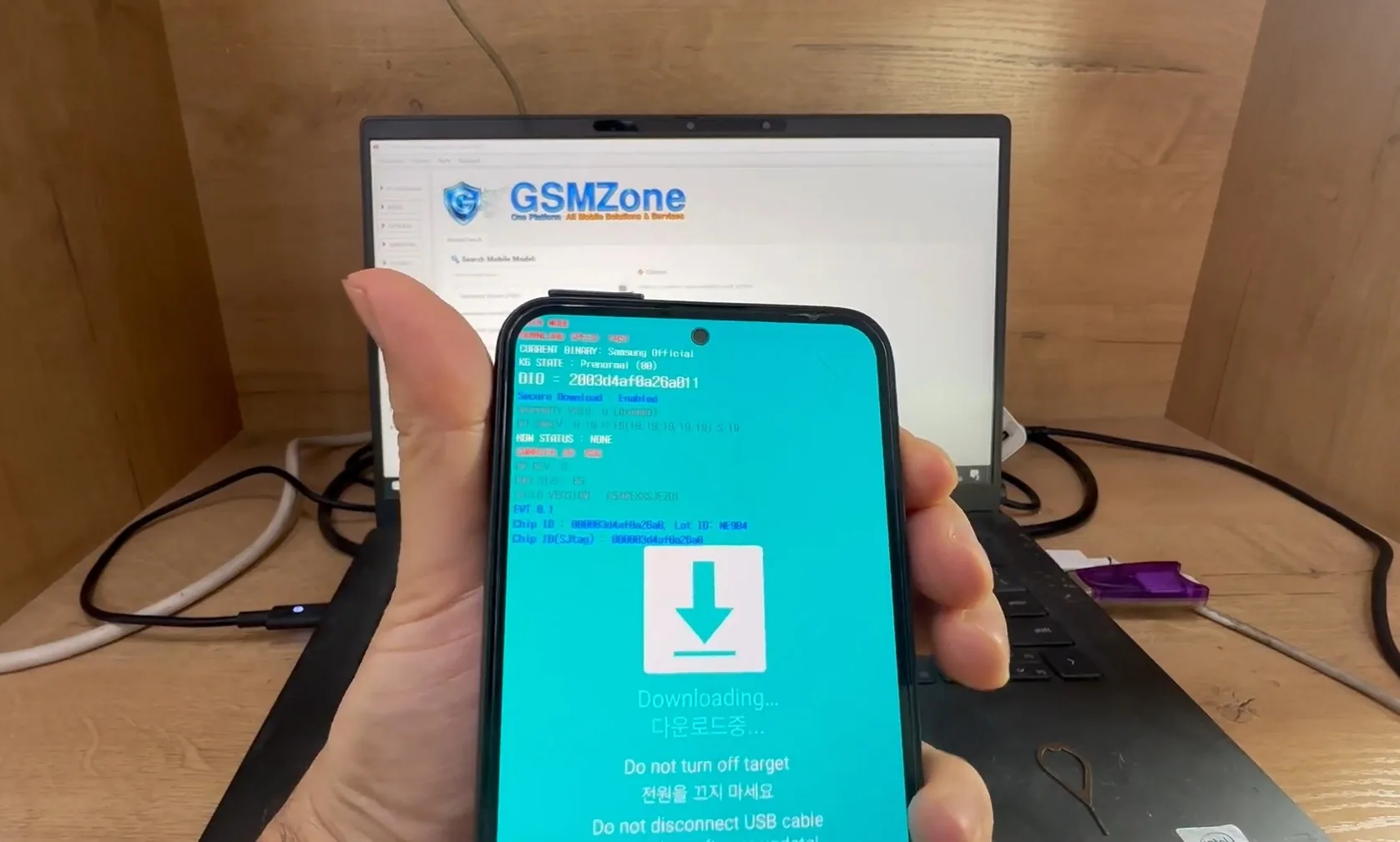
5.1. Entering Download Mode on Modern Galaxy Exynos Phones
- Power the Samsung phone completely off.
- Press and hold Volume Up + Volume Down simultaneously while plugging in a quality USB Type-C data cable.
- At the blue Warning prompt, press Volume Up once to confirm Downloading… mode.
5.2. Selecting the Exynos FRP Module & Starting
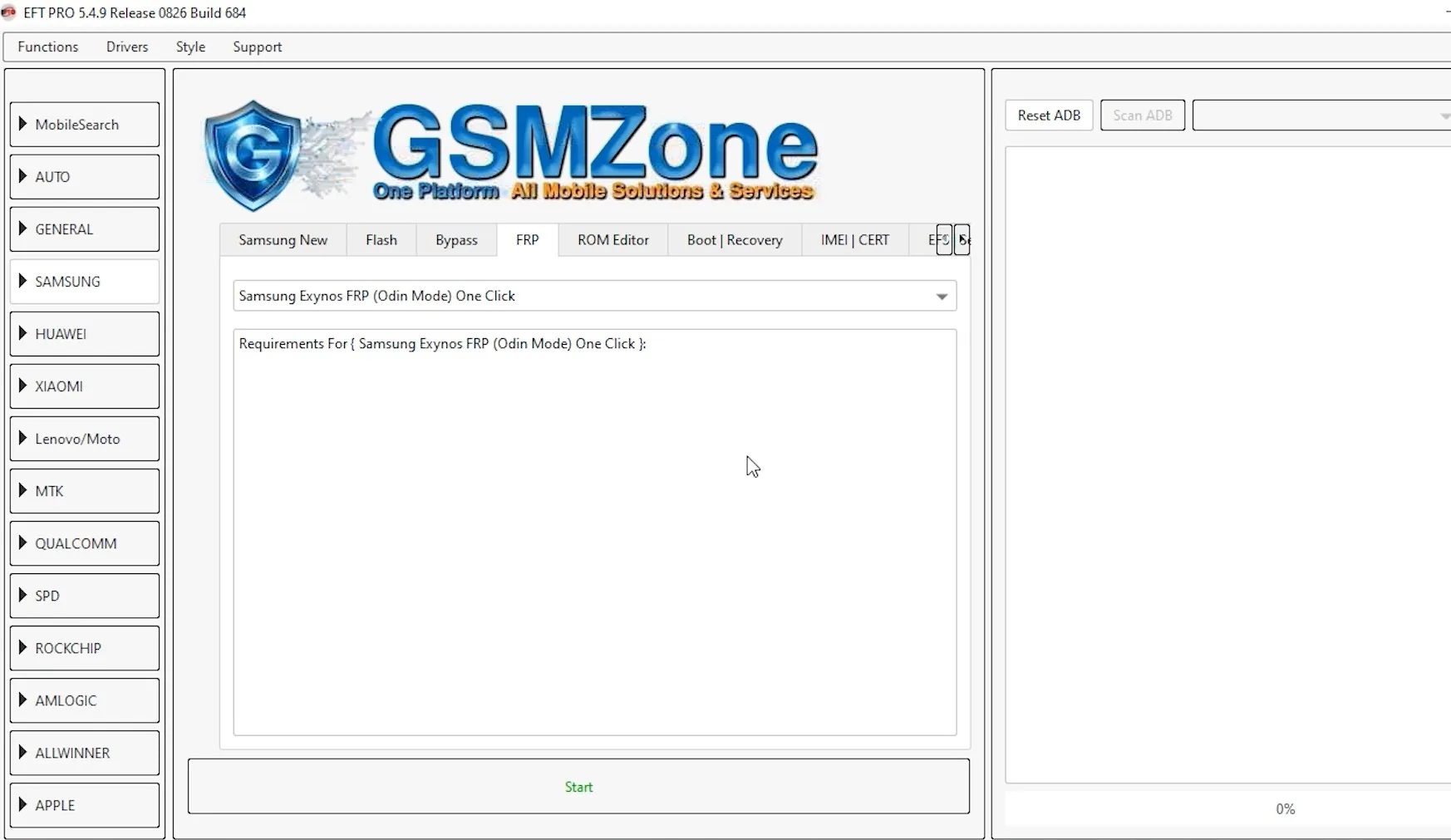
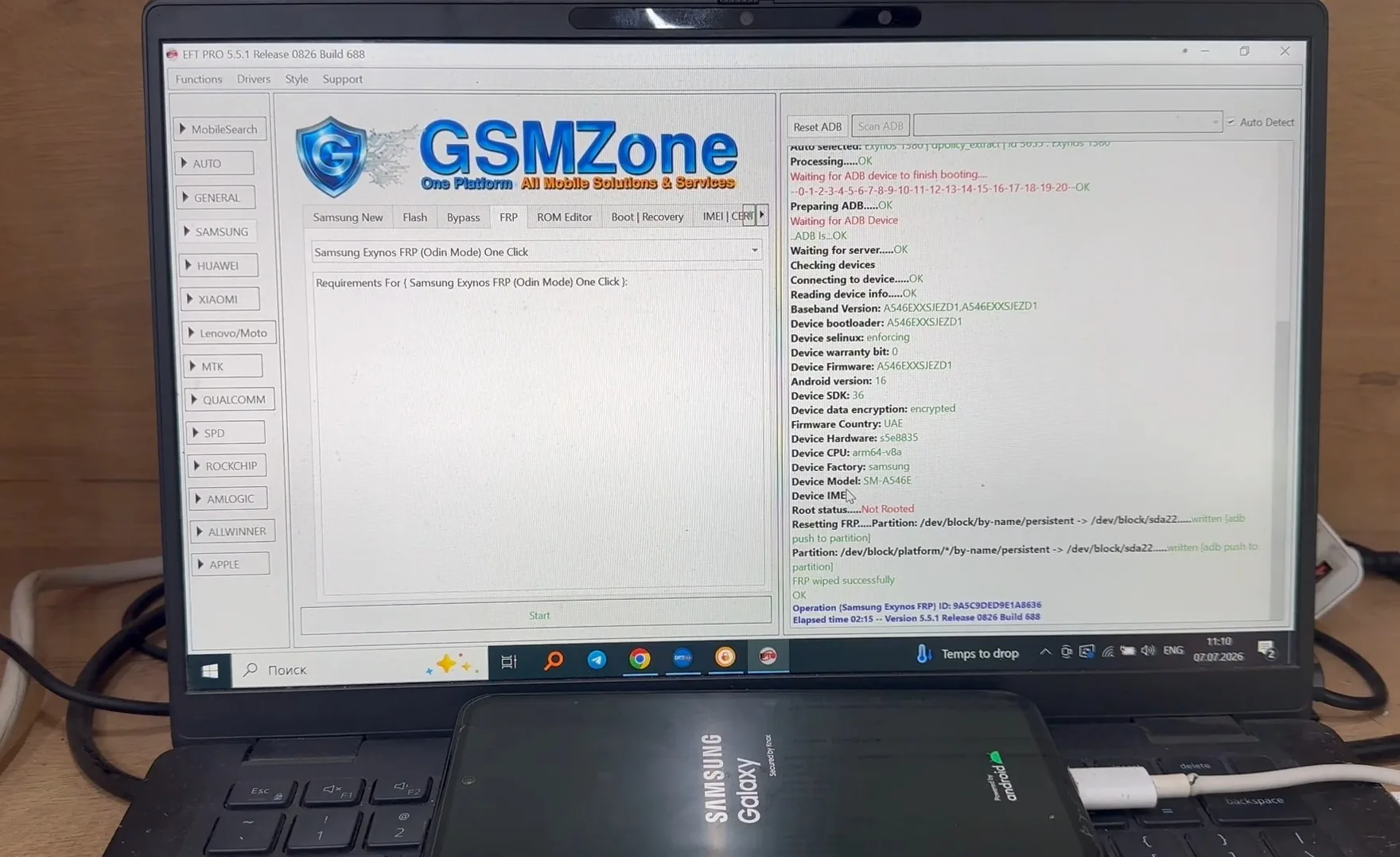
- In EFT Pro, navigate to SAMSUNG → FRP / Factory Reset.
- Choose Samsung Exynos FRP (Download Mode / Odin) or select the exact model code (e.g.,
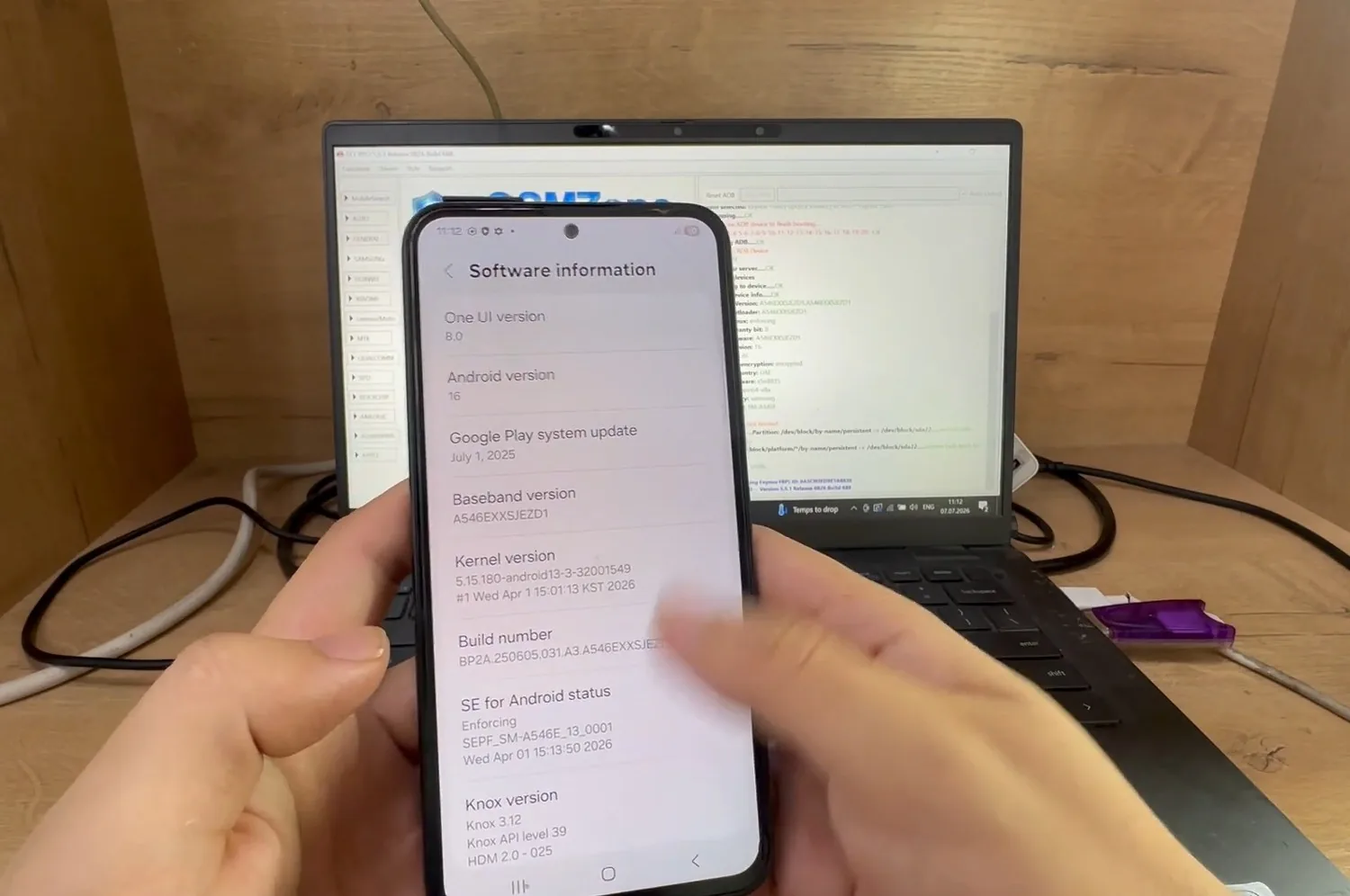
SM-A546Efor Galaxy A54). - Click Start / Reset FRP. EFT Pro transmits the Odin exploit, clears the FRP lock partition, and reboots automatically in roughly 60–90 seconds.
6. How Does EFT Pro Bypass Hello Screen on iPhone A12–A13?
EFT Pro also supports Hello Screen bypass across A12 and A13 handsets (iPhone XR, XS, XS Max, and iPhone 11) over its RAMDisk routine without hardware serial reprogramming:
- Connect the iPhone in DFU or Recovery Mode with iTunes / Apple Mobile Device Support installed.
- Switch to APPLE / iOS → Hello Screen Bypass (A12–A13).
- Click Boot RAMDisk to push the temporary environment into device RAM, then run Activate / Bypass Hello until Operation Finished Successfully.
💡 Server Clean Unlock Note: Need a permanent FMI Off / clean activation solution instead of a tethered bypass? Review our iCloud Unlock options or verify device lock status first using our free IMEI Check tool.
7. Fixing Smart Card, COM Port & "Please Wait" Errors
- Dongle not detected / Smart Card Error: Restart
EFT_Pro.exeas Administrator; if the bridged USB session dropped, contact GSM24h Support immediately to re-attach the host Smart Card dongle. - COM Port or Download Mode missing: Reinstall the latest Samsung Mobile USB Driver, verify Samsung Mobile USB CDC Composite Device in Device Manager, and connect directly to a rear USB 2.0 motherboard port.
- Operation Failed / stuck on "Please Wait": Verify the exact SoC variant (Exynos vs Qualcomm vs MediaTek) and binary patch level; reboot cleanly to Download Mode or compare alternative methods in our DFT Pro guide or TSM Tool Pro.
🔧 Download Mode vs Testpoint Tip (By Thanh Tài):
Before connecting an Exynos phone in Download Mode, confirm Samsung Mobile USB CDC Composite Device appears cleanly in Windows Device Manager on a rear USB 2.0 port; if an Odin exploit stalls mid-handshake, inspect the binary version or switch to a complementary DFT Pro or TSM Tool module.
8. Safety, IMEI Verification & Service Guarantee
Always service only legally owned or customer-authorized handsets, verify Clean/Lost status via IMEI Check when uncertain, and back up important data prior to flashing. On GSM24h.com, genuine physical EFT Pro dongles are backed by guided UltraViewer setup, account replacement, or refunds if host dongle faults disrupt your session.
9. Frequently Asked Questions
How does EFT Pro rental work without shipping a physical USB dongle?
A technician bridges an authentic, fully licensed EFT Pro Smart Card dongle from our host machine directly into your Windows PC over UltraViewer and launches the authenticated app for you.
Can EFT Pro remove Exynos Samsung FRP on Android 15 and 16?
Yes—that is EFT Pro's flagship strength, clearing FRP in Download Mode across Galaxy A14, A24, A34, A54, S21, and S22 models when ADB dialer tricks fail.
Do I need an account or pre-loaded wallet balance to rent?
No—pick a rental duration on Rent EFT Pro, complete USD payment, and send your UltraViewer details to connect immediately.
Does EFT Pro support iPhone bypass?
Yes—EFT Pro V5.5.x supports RAMDisk Hello Screen bypass on iPhone XR, XS, XS Max, and iPhone 11 (A12/A13) without hardware SN changes.
Do you compensate lost time if the remote dongle disconnects?
Yes—contact GSM24h Support anytime during your slot for time extensions or a refund if host dongle/network issues interrupt your work.
How does EFT Pro compare to UnlockTool and DFT Pro?
EFT Pro excels at Exynos Download Mode FRP and A12–A13 Hello bypass; UnlockTool excels at broad multi-brand + A7–A11 Ramdisk; DFT Pro leads on MediaTek Patch Cert IMEI repair.
👉 Ready to clear Exynos FRP with EFT Pro Dongle?
Book an automated EFT Pro slot from $2.30 on GSM24h.com with fast remote UltraViewer dongle setup.
⚡ Rent EFT Pro Now →
Written by: Thanh Tài
6 years of GSM & IT background; specializes in mobile and laptop software, firmware flashing, iCloud, Xiaomi, Samsung, and OPPO unlocking. Facebook · Profile & articles · About us



No comments yet. Be the first to share your thoughts!