● Available now🔥 Popular⚡ Instant delivery

Rent TSM Tool for Samsung Service Work

No reviews yet • Ask a question

🔥 Limited rental slots todayLive availability
✨ Key features of TSM Tool:
  • Samsung-focused service functions
  • Compatibility depends on model and tool version
  • Flexible rental durations
  • Automatic account delivery when available

Rent TSM Tool with flexible online plans. Check device compatibility before purchase and use it only on authorized devices.

Time-limited TSM Tool access for supported Samsung technical service operations. Check the exact model, firmware, drivers, and official documentation before placing an order. Use is restricted to devices you own or are explicitly authorized to service.
Access in three clear steps

1Check compatibility

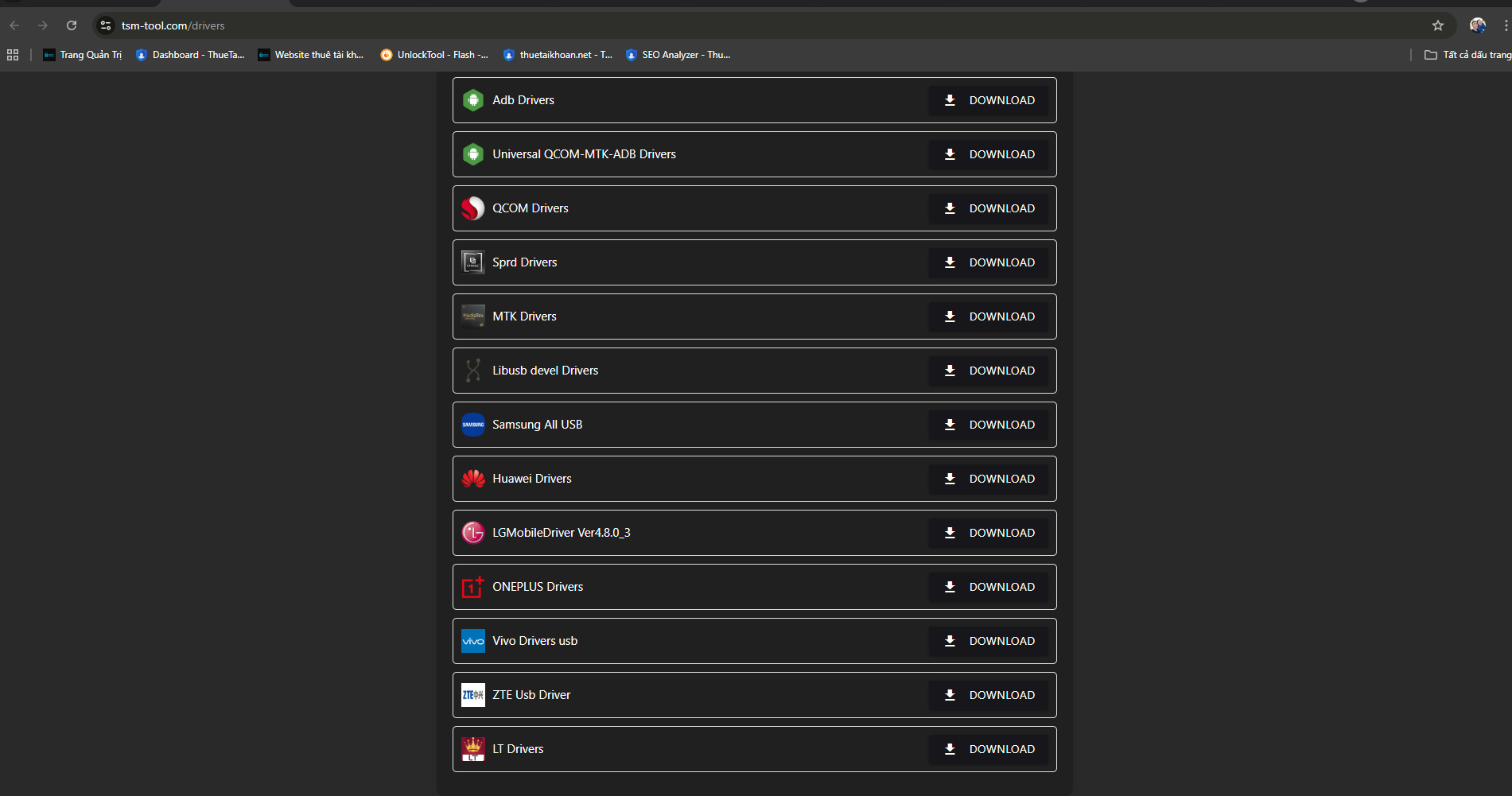
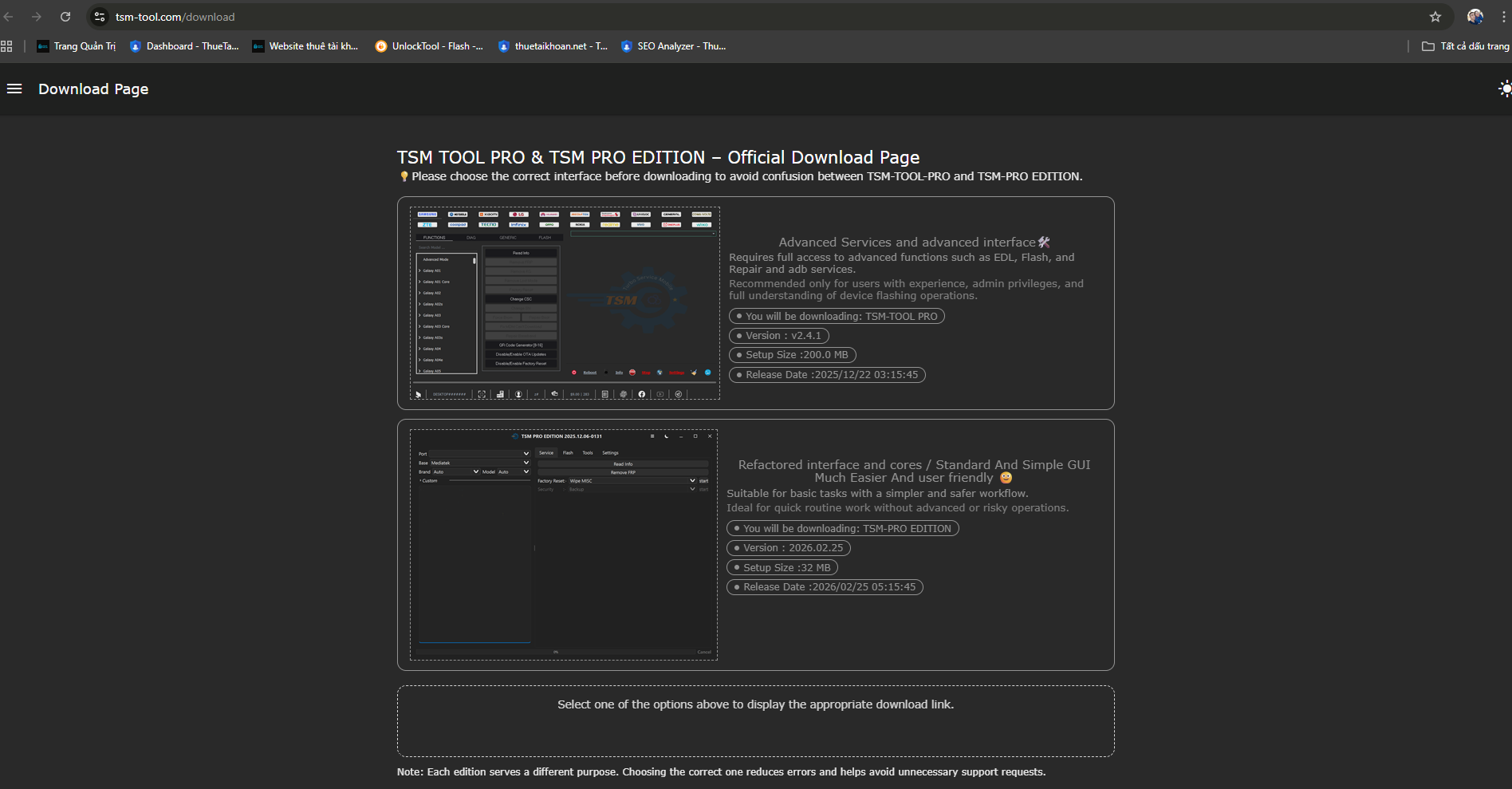
Confirm the device, software version, drivers, and official tool documentation before ordering.

2Choose a plan

Pick the active duration that fits your repair job and continue to checkout.

3Receive access

Available credentials are delivered after payment confirmation for the selected period.

4Use responsibly

Use the tool only on devices you own or are authorized to service.

Clear pricing, live availability, and responsible access

Live package data

Prices and availability are read from current rental inventory, not copied into a static page.

Compatibility first

Confirm the device model and operation before payment; no GSM tool guarantees every hardware or software revision.

Authorized work only

Use this service only for devices you own or have explicit authorization to repair or maintain.

Authorized use only

Use this service only on devices you own or are authorized to repair. Check model, software version, and official tool documentation before purchase. Compatibility is not guaranteed for every device revision.

Read the Terms of Service → Read the Refund Policy →

TSM Tool rental FAQ

What is TSM Tool used for?

TSM Tool provides supported Samsung technical service workflows. Available functions change with the provider release and the device configuration, so check the exact operation before renting.

Can I use one rental on more than one computer?

No. A rental is intended for one customer and one active session. Simultaneous or shared use can cause the provider to lock the account.

When will I receive access?

For an available automated package, access is delivered after payment confirmation for the selected rental period. If a service needs assisted activation, support will contact you through the details supplied at checkout.

What should I do if TSM Tool is unavailable?

Send your order code and a screenshot to support. We will check account status and provider availability, then restore access, replace the account, or review refund eligibility when there is a verified service-side issue.

WhatsApp Khang +84 777 333 763 Telegram Khang @trankekhang