
Octoplus Samsung Tool 1 Year Renew Activation for Existing Users of Box / Dongle
$21.47Select

This page groups the currently available Octoplus Samsung Tool activation and renewal plans. Prices and availability come from the live supplier catalogue.
Choose the exact activation, renewal, credit quantity, or duration. The final details are reviewed again at checkout.
Octoplus Samsung Tool is Samsung servicing software in the Octoplus ecosystem and may require matching hardware or an eligible existing account, depending on the product.
This page groups activation and renewal plans for compatible Box or Dongle owners. It is not hourly account rental and does not include hardware unless a product explicitly says so.
Choose a plan only after confirming the tool and account type match your workflow.
Match the plan to the existing account, hardware, workload, and exact operation instead of choosing by product name alone.
The renewal is for eligible Octoplus, Octopus, or Medusa Box and Dongle hardware under the developer rules. It does not include new hardware unless explicitly stated.
Octoplus states that Samsung Tool users activated two or more years ago may need annual renewal for newer versions. Activation and expiry dates appear in the software.
Open the software or management utility and copy the exact Box or Dongle serial. Do not submit a serial from an old screenshot or another device.
A valid license or credit balance does not guarantee that every model, firmware, patch, or server procedure is supported.
Feature reference: official developer information
Confirm whether the plan is for a Box, Dongle, or an existing account.
A new activation and a renewal are different orders; choose the current account state.
A submitted serial or account identifier usually cannot be changed after processing begins.
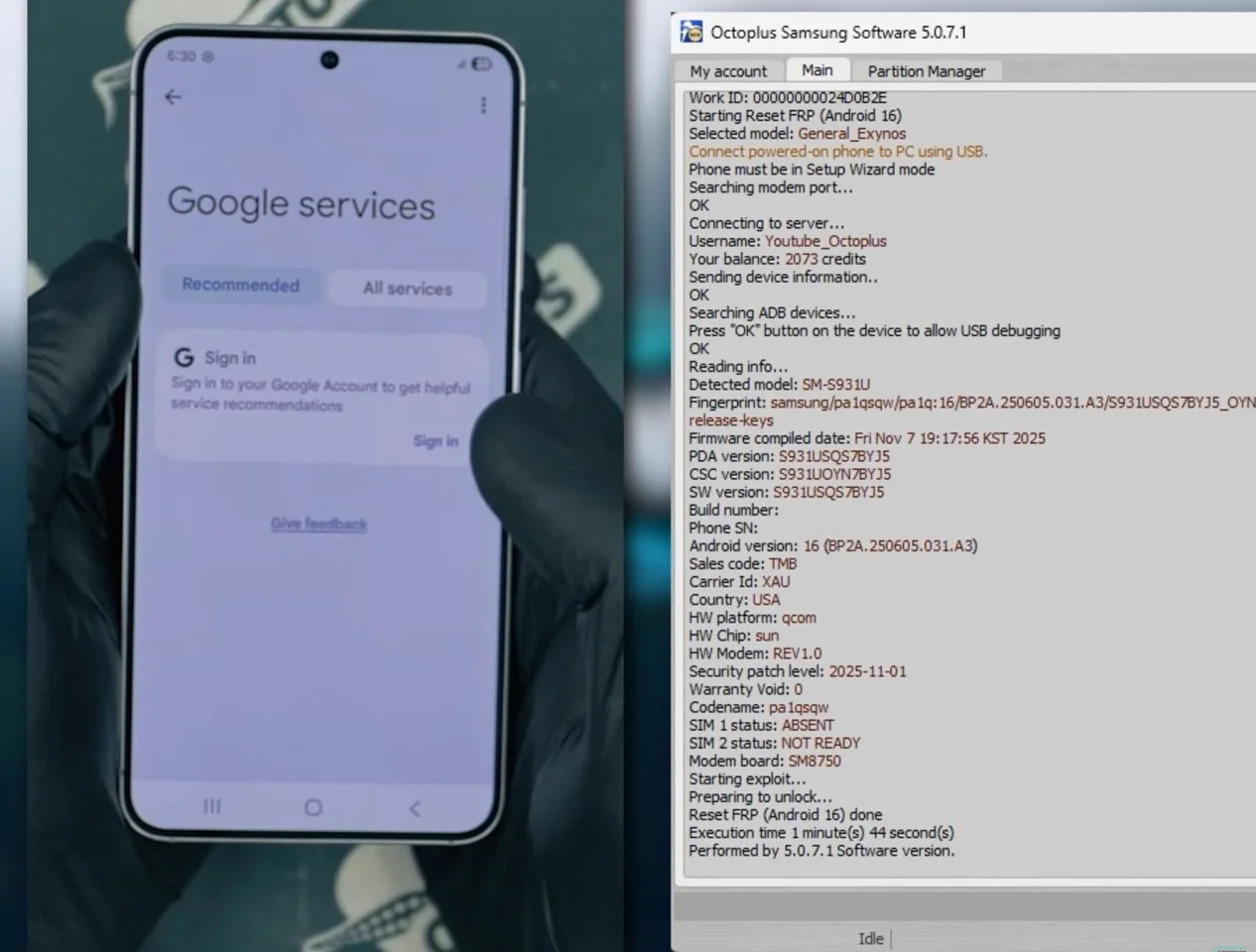
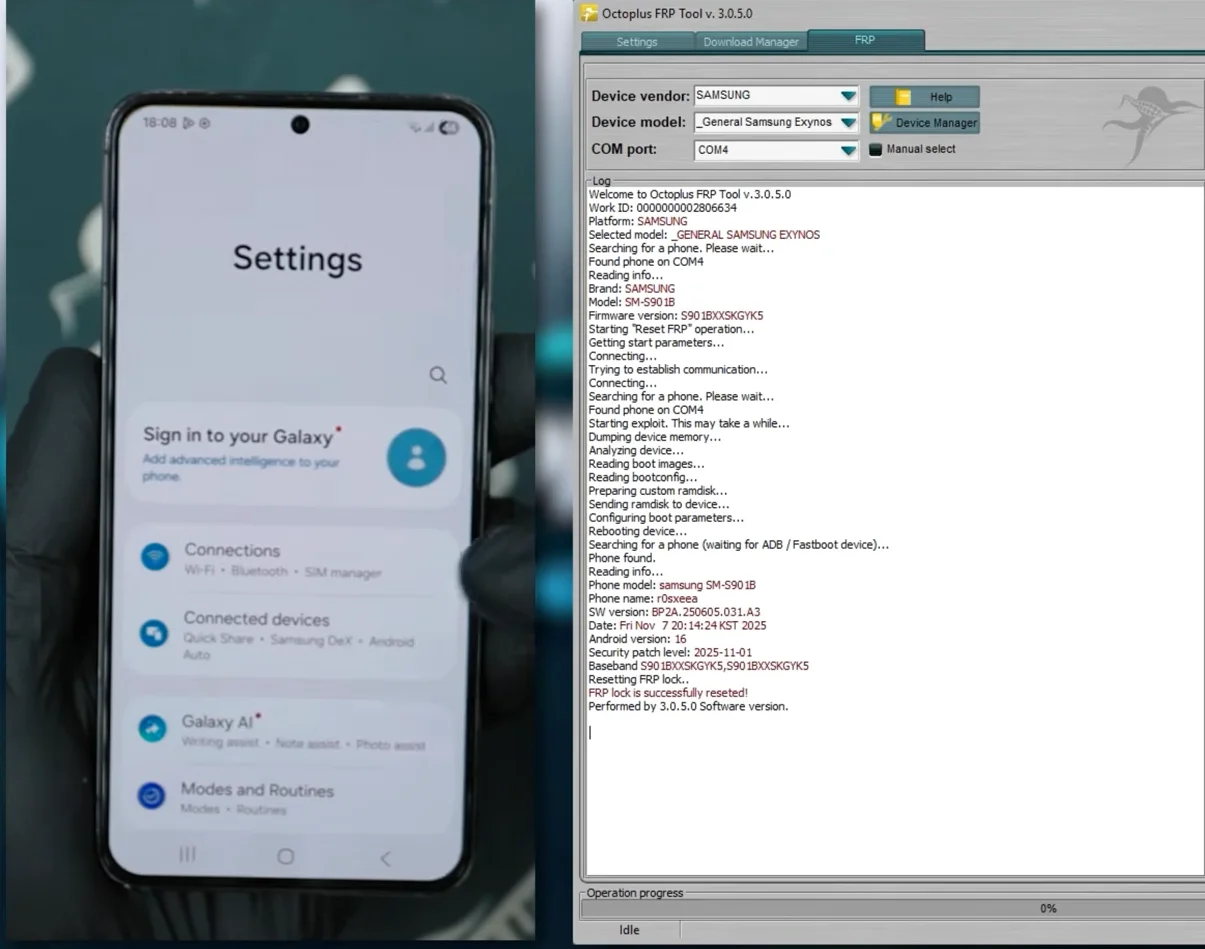
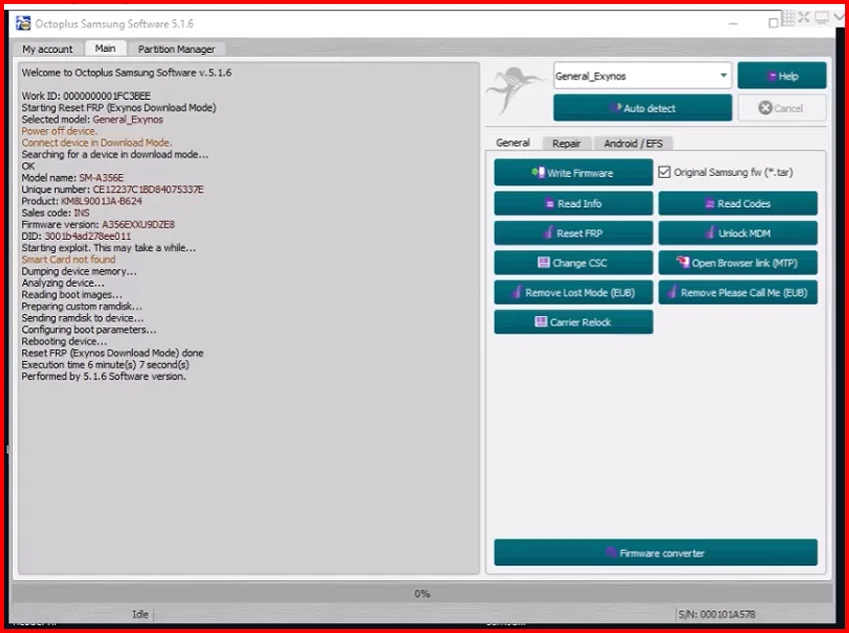
Real interface and workflow references. Verify your exact device, account, and release before performing a procedure.
Every published review is matched to a paid order for this product. Personal email and full order details are never shown.
Not by default. Read the plan name carefully; existing-user, Box, and Dongle plans require the matching existing product.
Each plan shows an estimated delivery time. Actual processing may change during developer server maintenance.
Do not assume it can be changed. Verify the serial before submission because processed orders are normally irreversible.
After payment is confirmed, the automated system normally returns the order result in about 3 seconds. If the supplier reports that the order failed, the full amount is automatically credited back to the customer account balance.