
Samsung Tool | CellTool - Credits For Existing User
$1.00Select

CellTool plans are grouped here so you can distinguish a new activation, a renewal, and credits for an existing account.
Choose the exact activation, renewal, credit quantity, or duration. The final details are reviewed again at checkout.
CellTool (Samsung Tool) is a Samsung-focused servicing suite for firmware flashing, diagnostics, and backup or restoration of important service data.
Products may be activations, renewals, or credits. A license and credits are not interchangeable; credits fund separately billed server procedures.
Choose a plan only after confirming the tool and account type match your workflow.
Match the plan to the existing account, hardware, workload, and exact operation instead of choosing by product name alone.
A license grants time-based access; credits fund billed procedures. Check the product name so you do not buy credits for an account that still lacks a license.
New activation is for an unlicensed account, while renewal extends an existing one. Submit the exact email or username used in CellTool.
Install Samsung USB drivers, use a stable cable and USB port, and verify the model and patch in Supported Models or the latest changelog.
A valid license or credit balance does not guarantee that every model, firmware, patch, or server procedure is supported.
Feature reference: official developer information
For customers who need access for the period stated in the plan.
Choose an existing-user renewal only when the CellTool account already exists.
Credits add operation balance and do not include a license unless the plan explicitly says so.
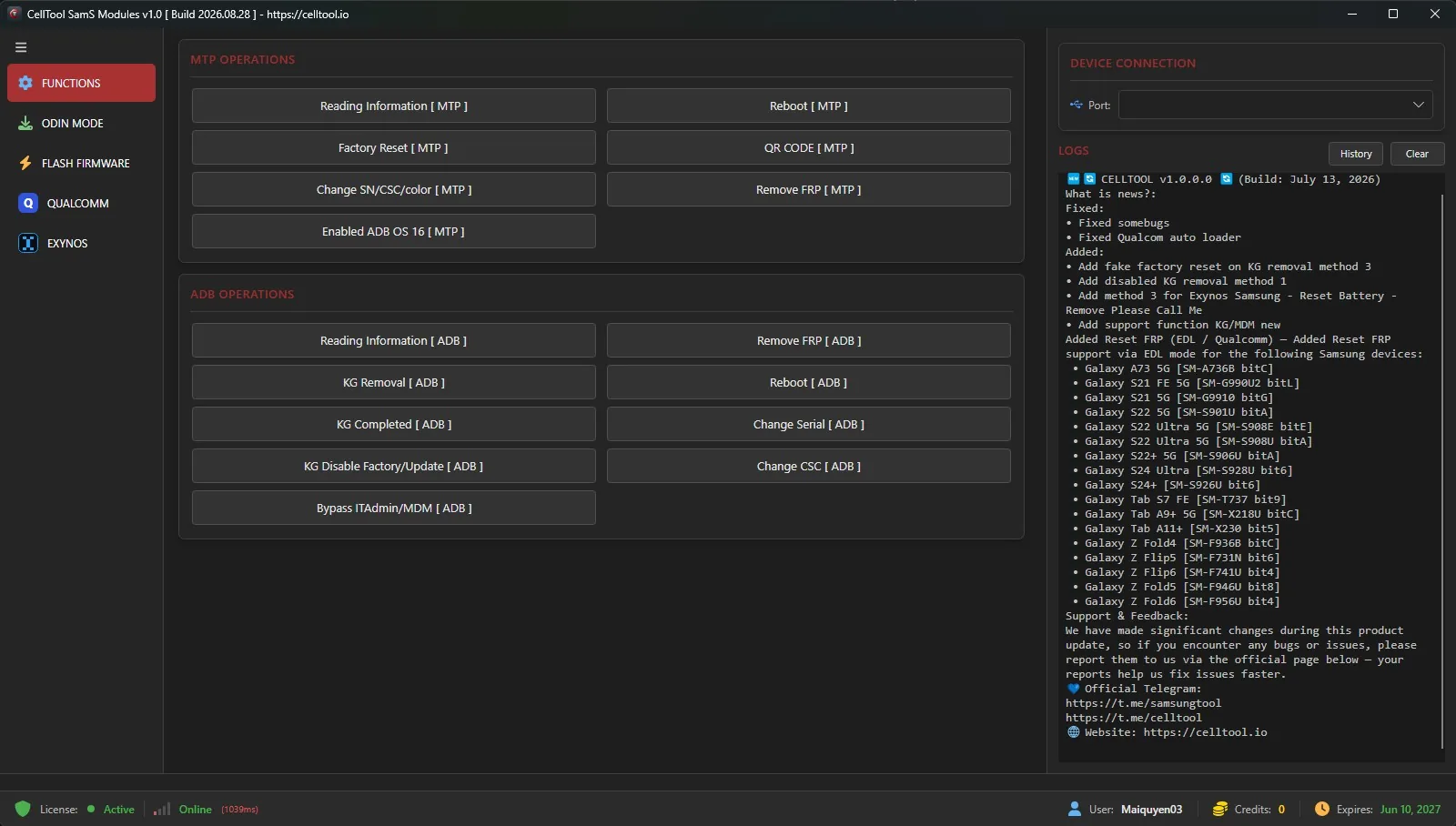
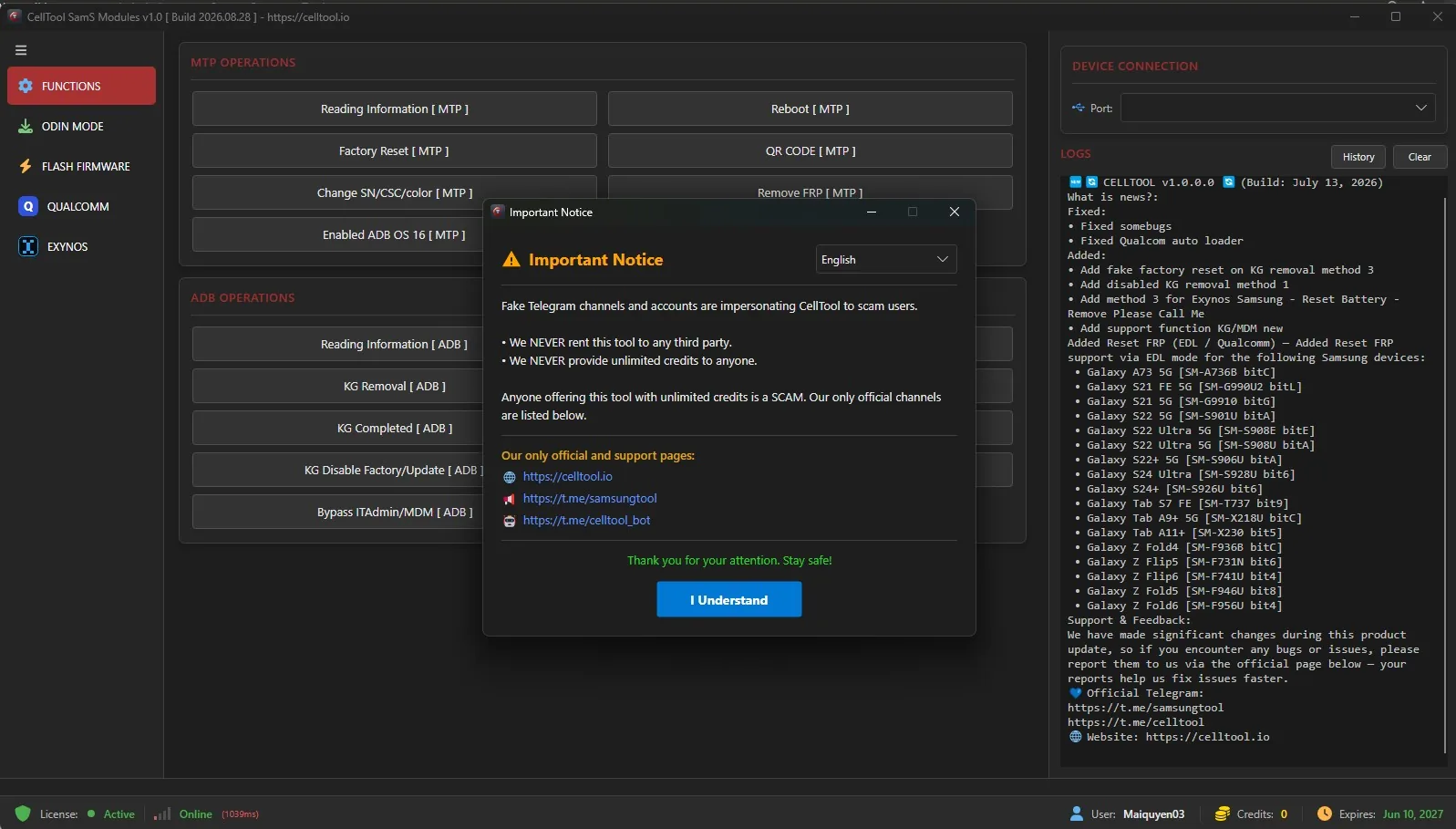
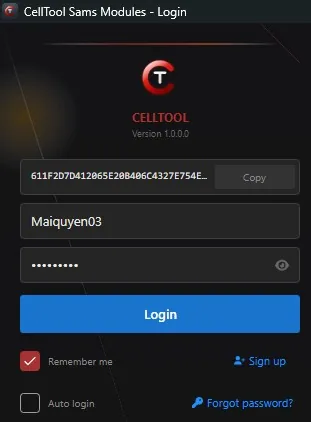
Real interface and workflow references. Verify your exact device, account, and release before performing a procedure.
Every published review is matched to a paid order for this product. Personal email and full order details are never shown.
No. A license grants time-limited access; credits are account balance used for paid operations.
Choose a plan explicitly marked existing user, renewal, or credits. Do not choose a new activation if you only need credits.
Provide only the fields requested at checkout. Do not send a password unless the form clearly requires it.
After payment is confirmed, the automated system normally returns the order result in about 3 seconds. If the supplier reports that the order failed, the full amount is automatically credited back to the customer account balance.